Installing an Alternative Browser
Before you begin
Did you know that the default Microsoft Edge is built on the same technology as Google Chrome? Aside from preference, Edge is interoperable with everything Chrome is compatible with. Give it a try before switching!
Both Chrome and Firefox can be installed per-user, without administrator rights. This guide instructs you on how to do so.
Select your browser:
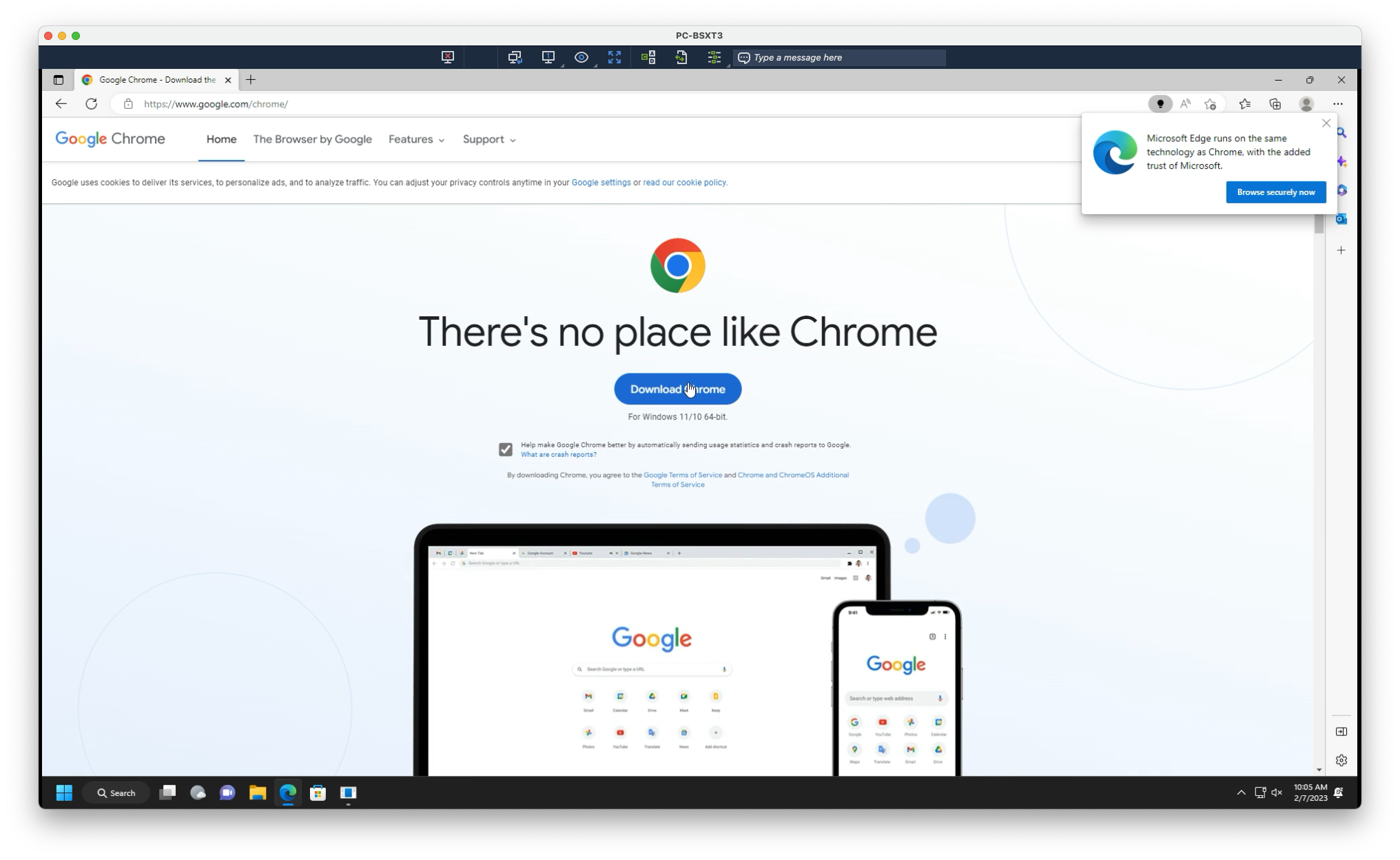
1. Navigate to the following:
2. Select Download Chrome
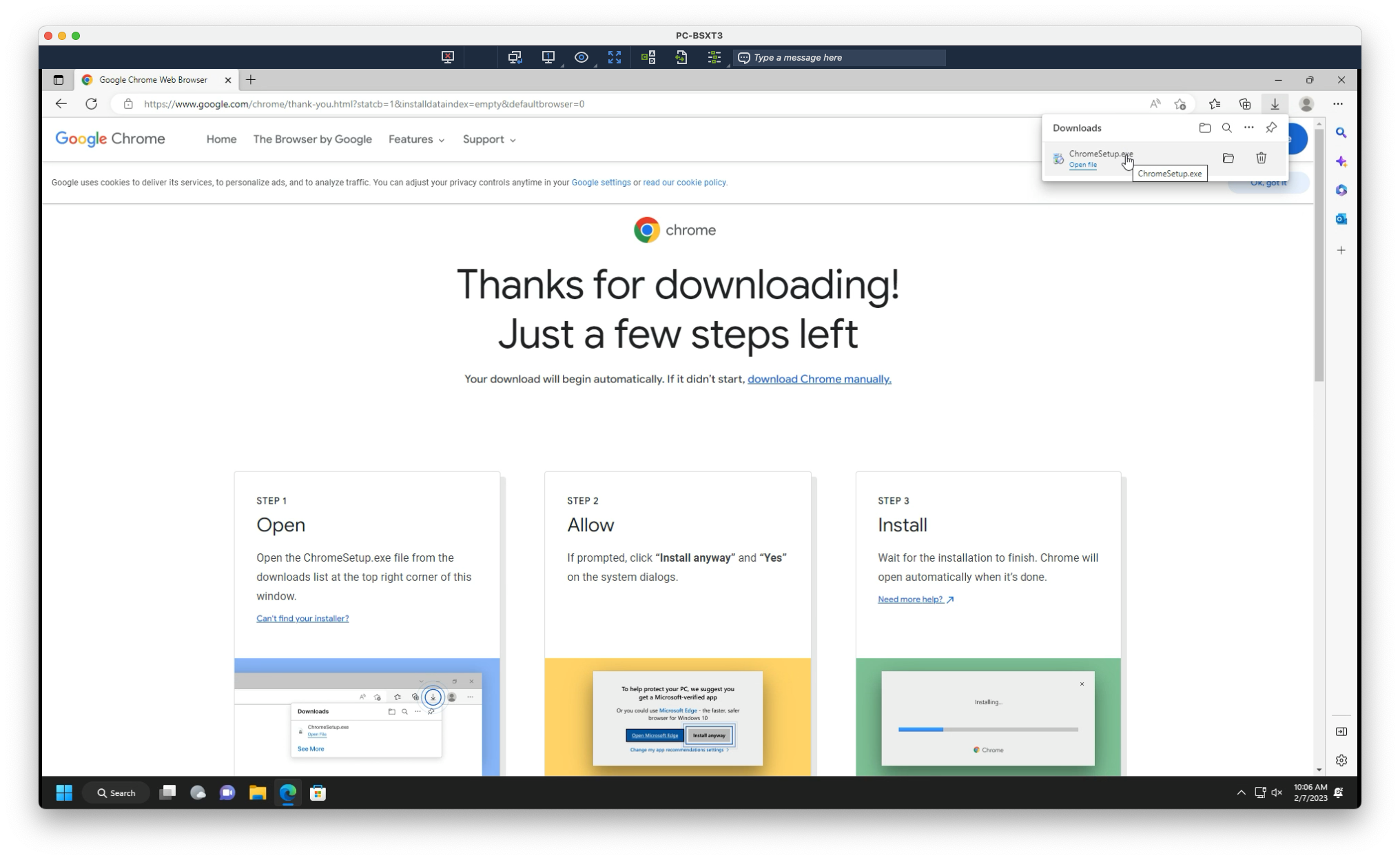
3. Open the downloaded installer from the downloads tray in the top-right of your screen
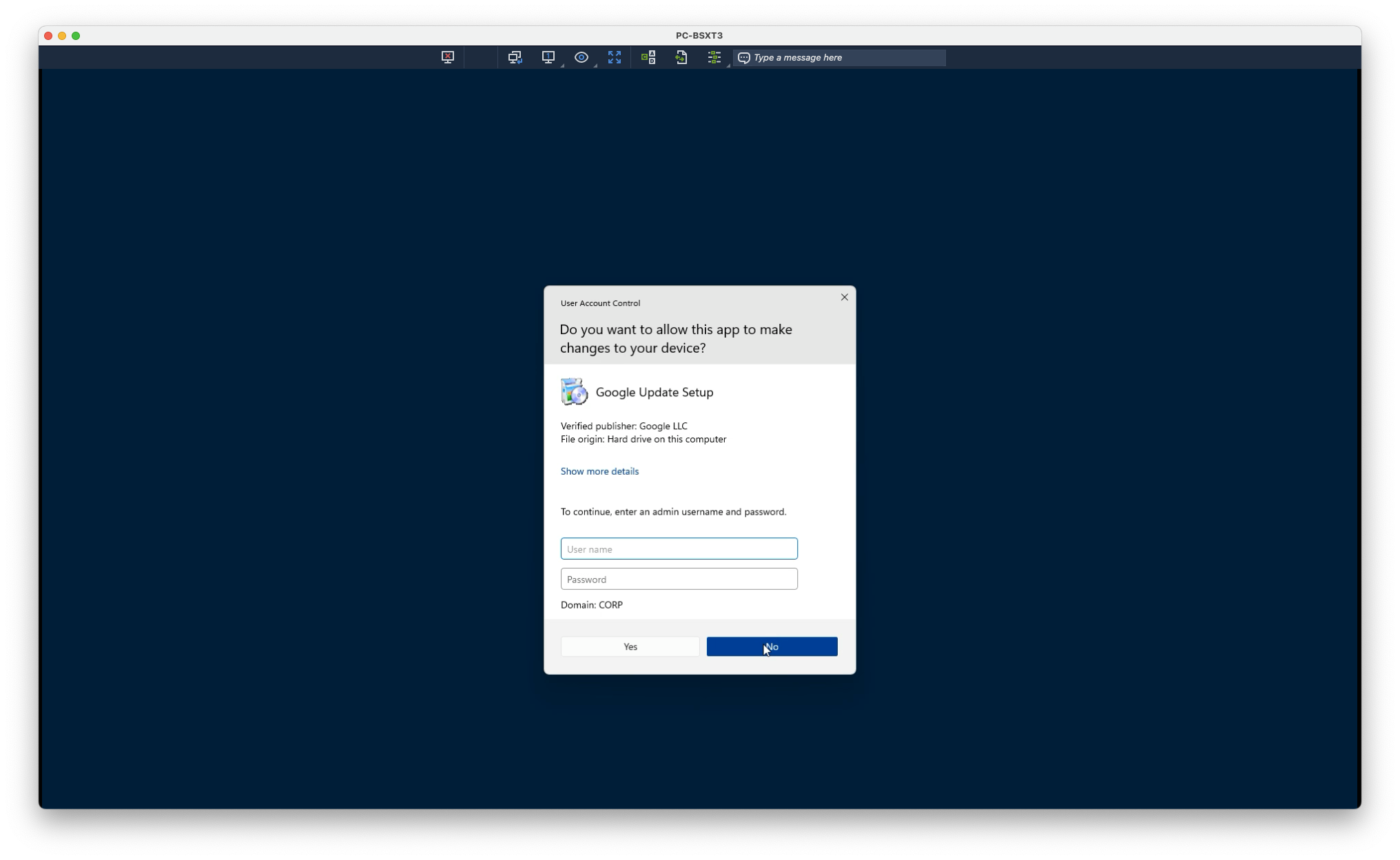
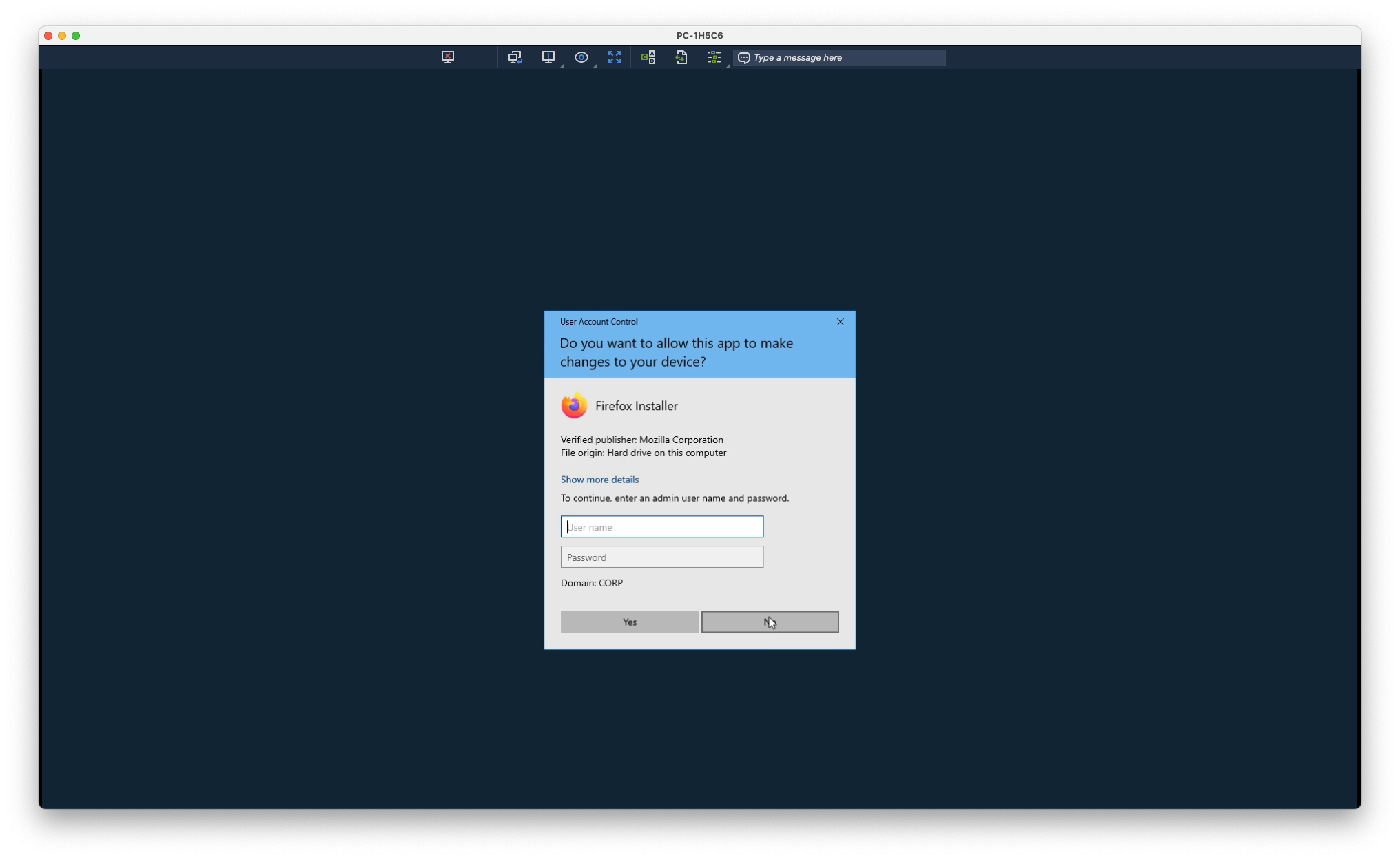
4. Upon opening, you will be prompted for administrator credentials. Select No
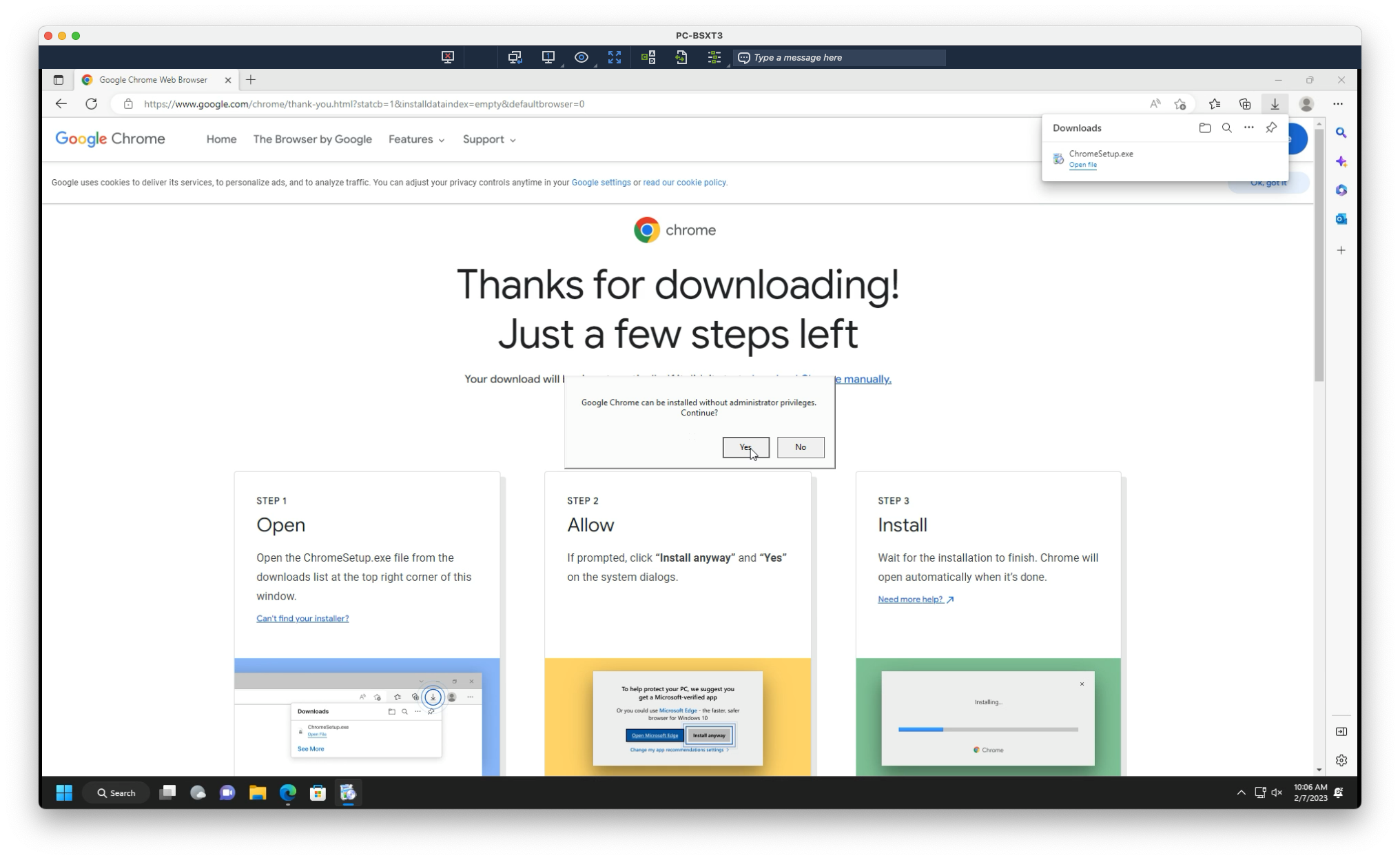
5. Select Yes when asked to continue with installation
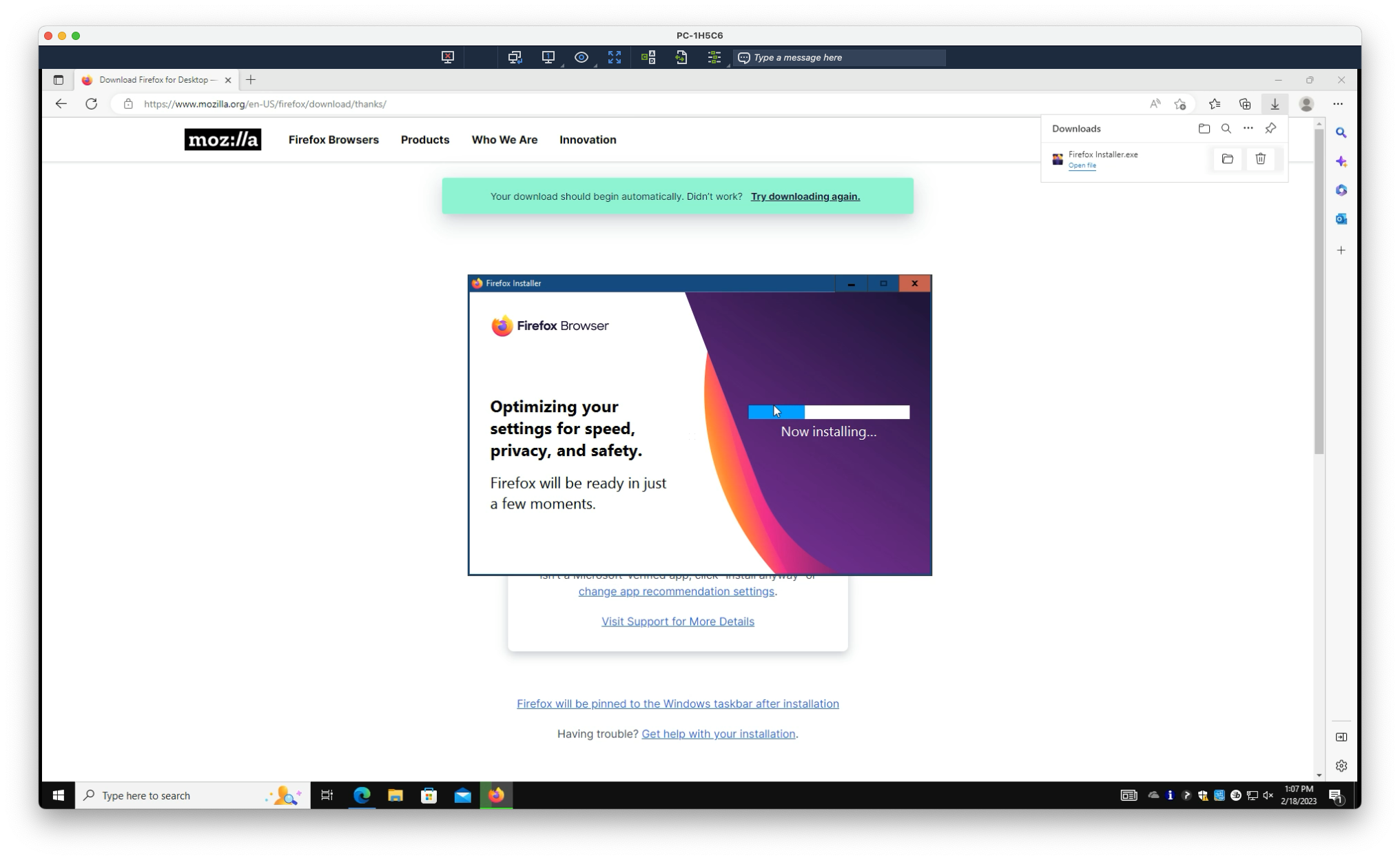
6. Wait for Chrome to install
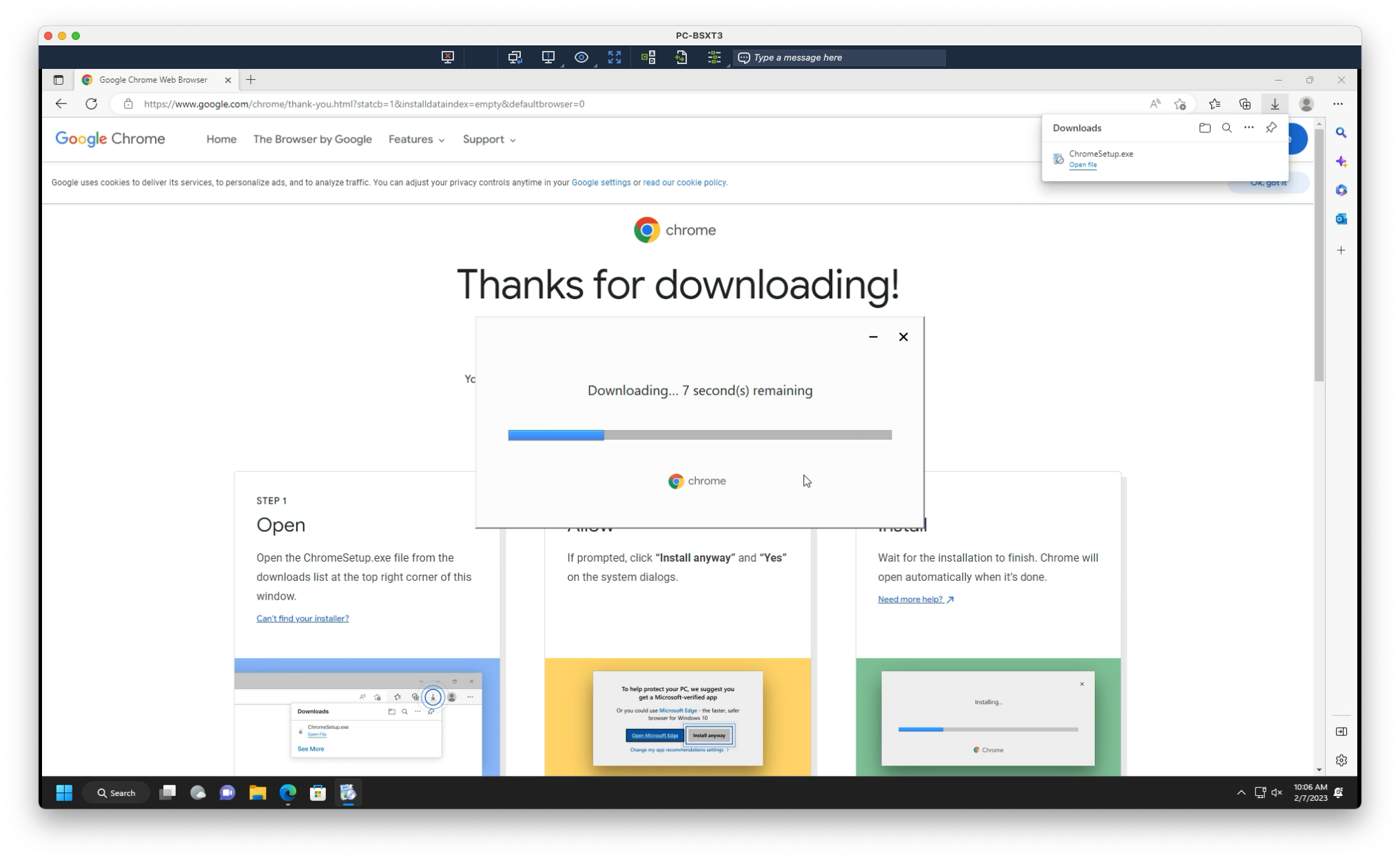
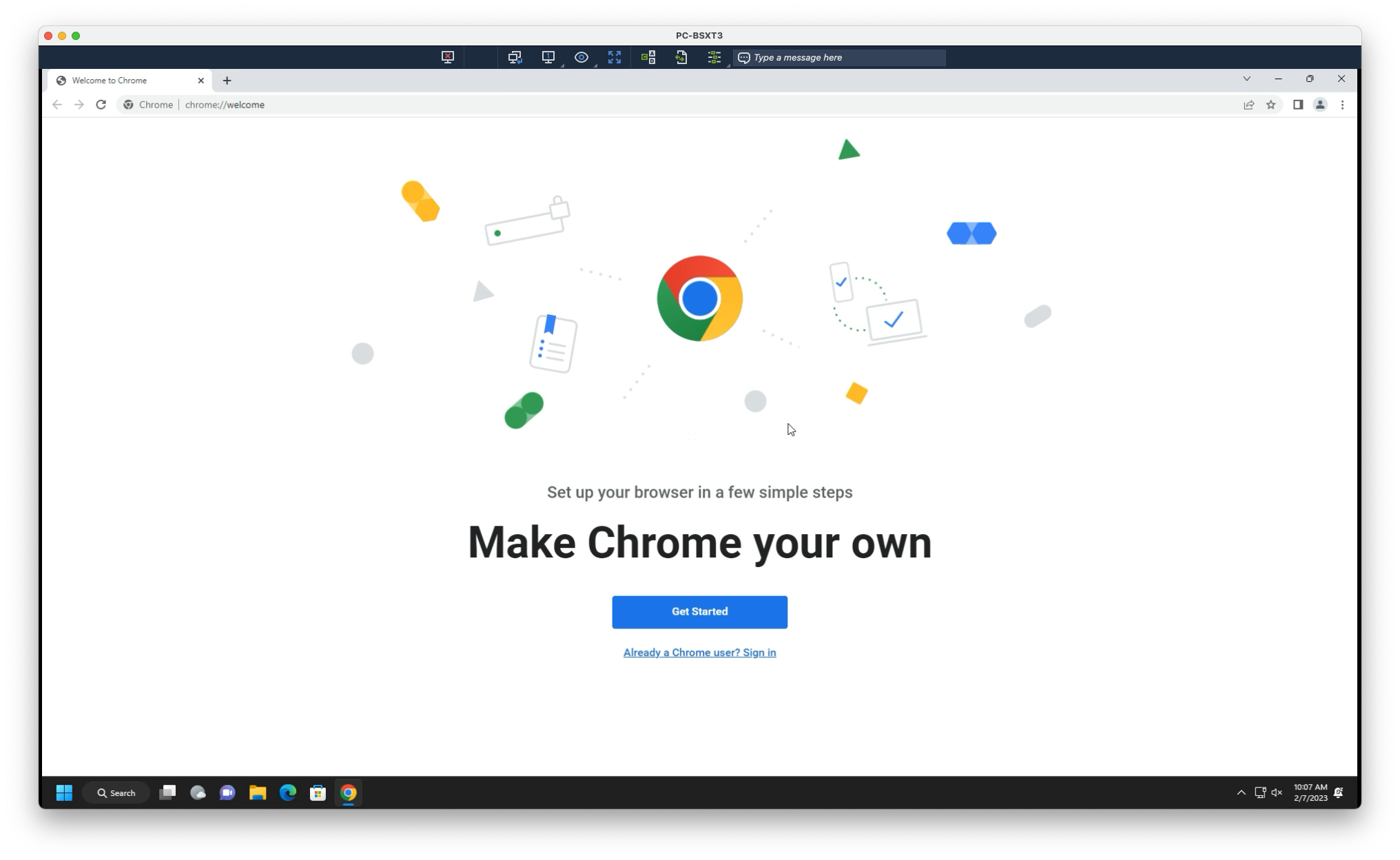
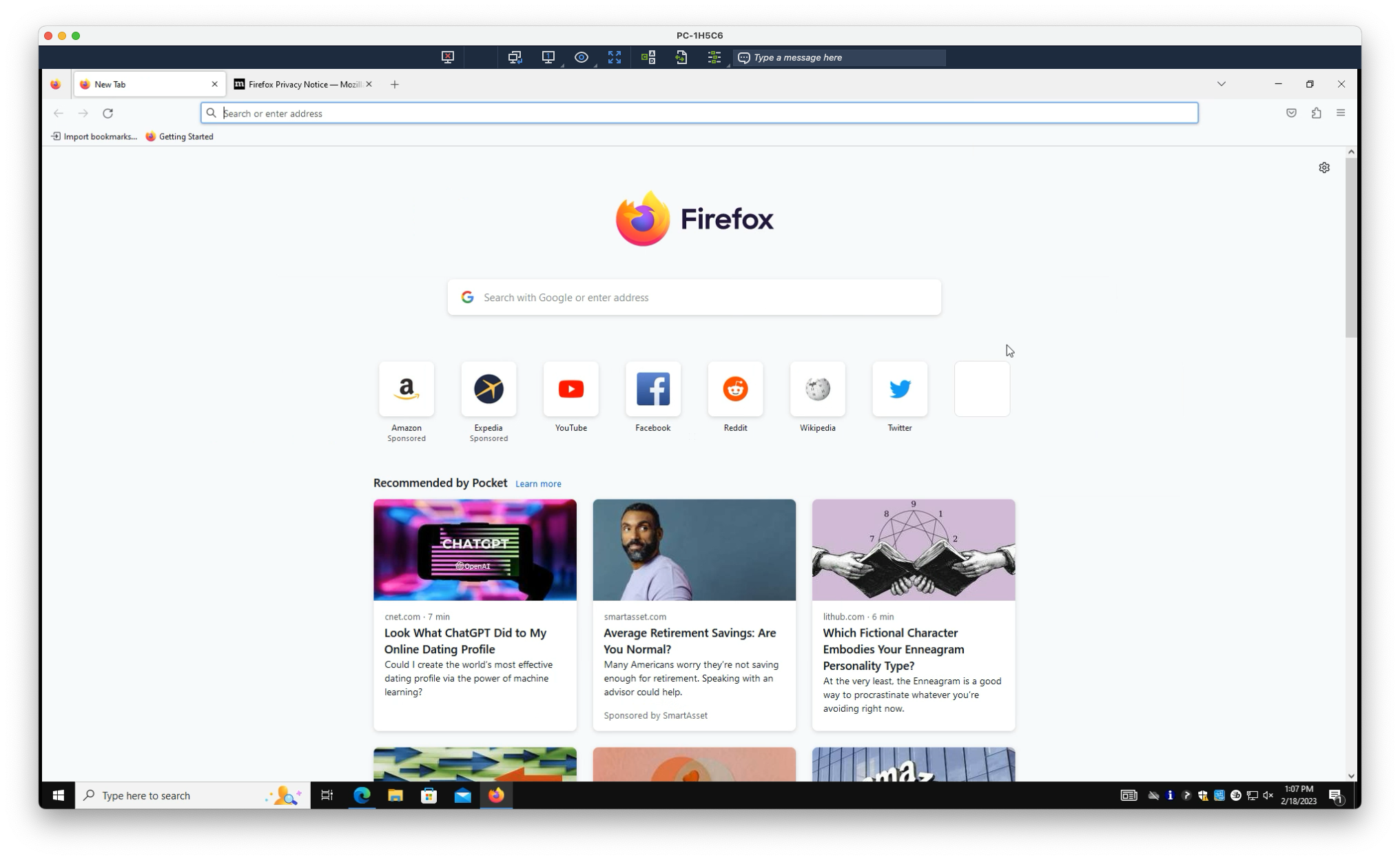
Once complete, Chrome will automatically launch. You’re all set!
See how to set your new browser as default.
Still need help?
Submit a Ticket