Identifying Network Ports
This guide will help you identify network ports (or “drops”) installed at workstation locations. Generically, a network port may also be referred to as a “data port/drop” or an “ethernet port/drop”.
Network vs. Phone
Network and traditional telephone ports (more accurately — RJ45 and RJ11 ports, respectively) look very similar at first glance — the visible differentiator being that network ports are a bit wider than phone ports:
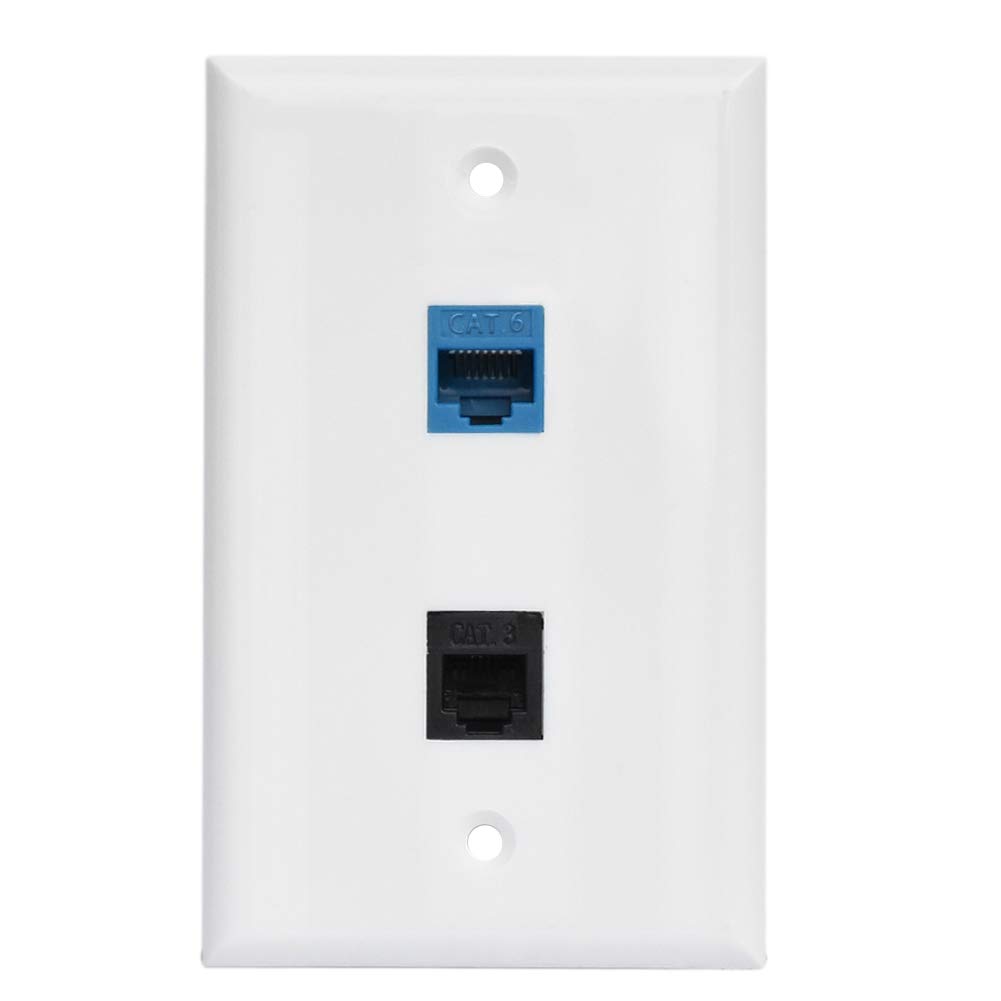
Top: Network (RJ45), Bottom: Telephone (RJ11)
Types of Ports
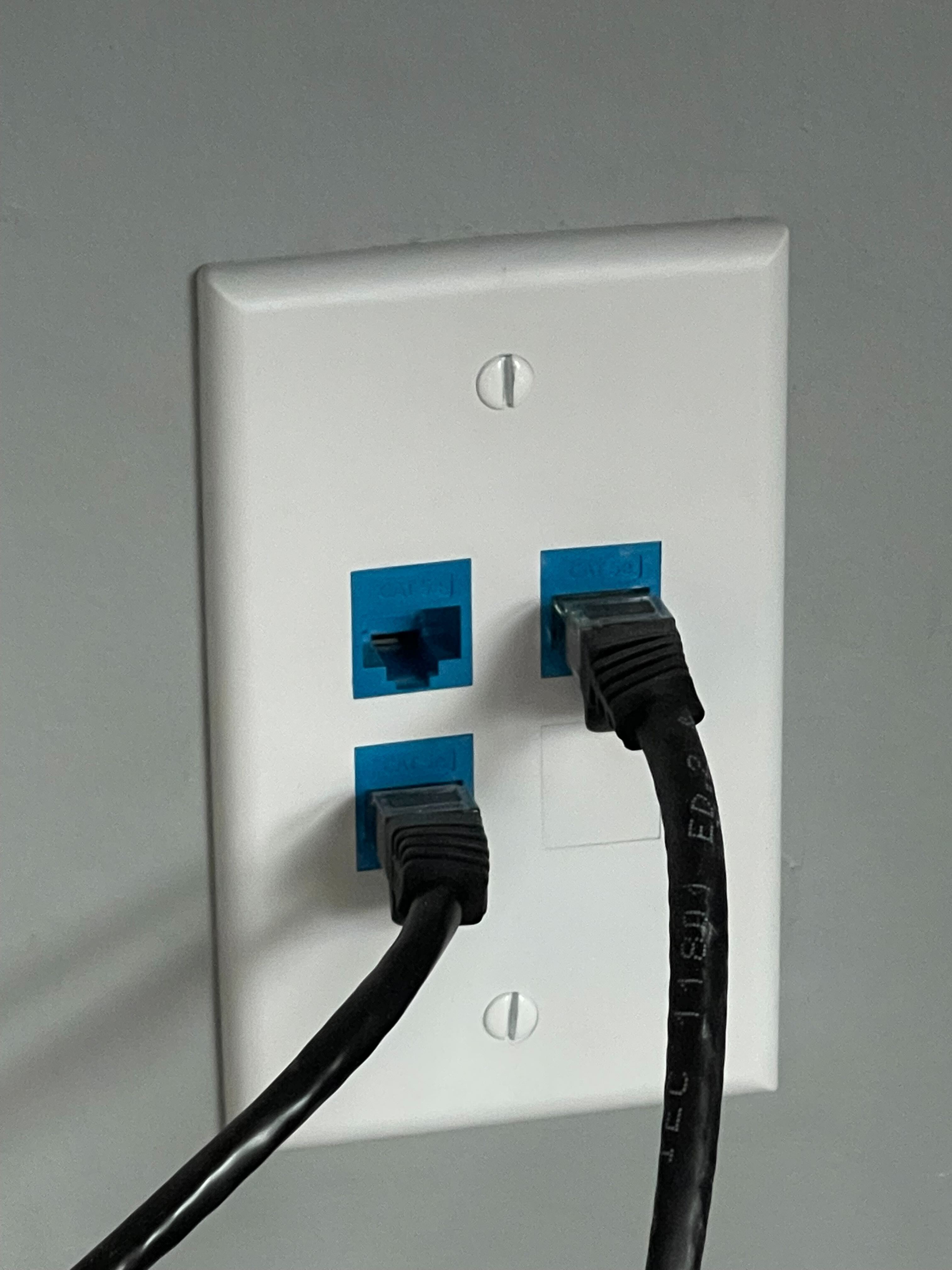
In-Wall Port
As the name suggests, the most common form of a network port — an in-wall port — will be installed in a wall plate, like so:
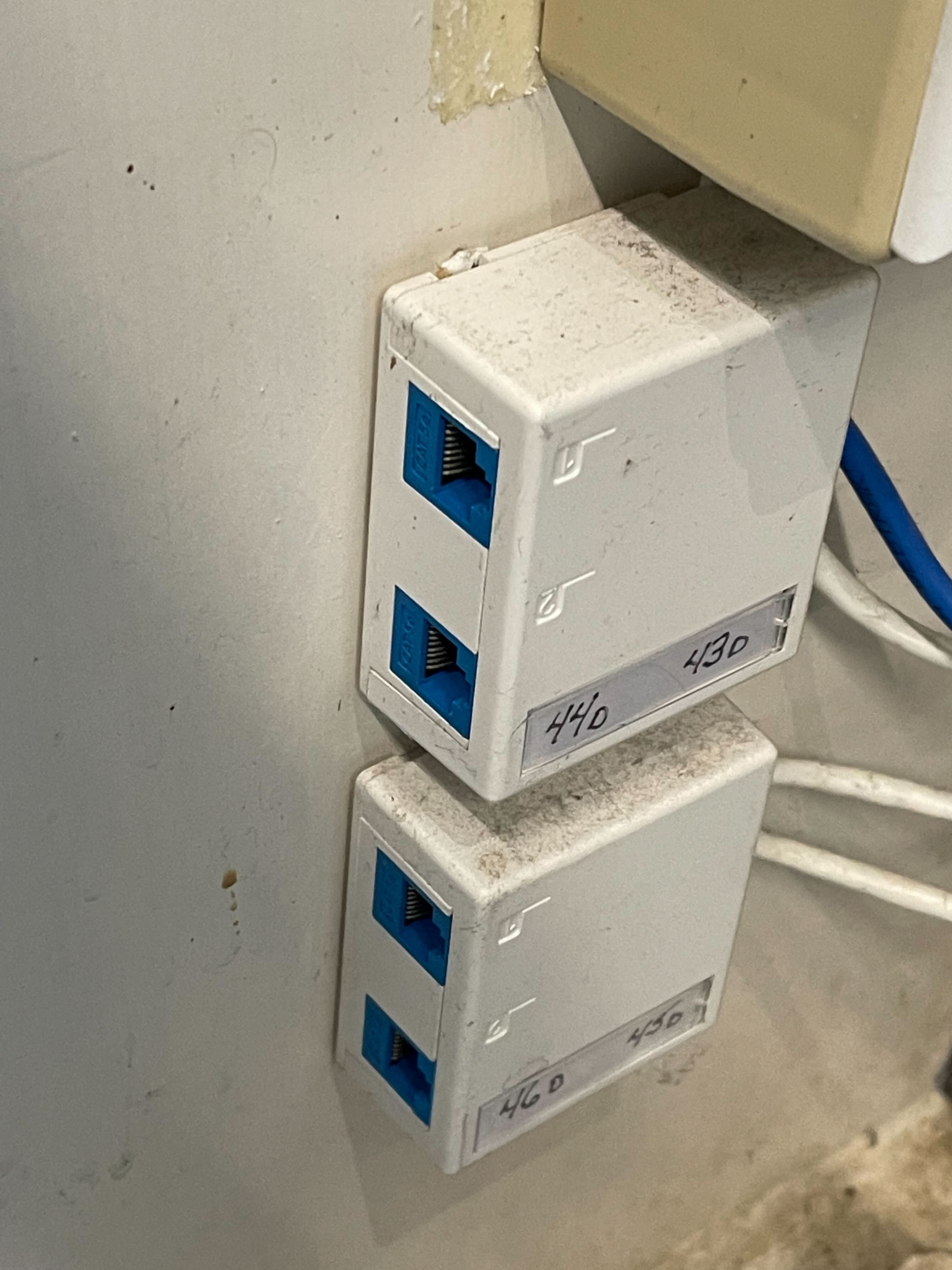
Biscuit Jack
Another common network port type is the modular and flexible implementation known as a biscuit jack. They may be installed onto a permanent fixture, such as a wall, or they may not be affixed to anything at all — free to move with the cable: