Setting a Printer as Default
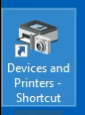
1. Double-click on the Devices and Printers - Shortcut icon
2. Right-click on the printer
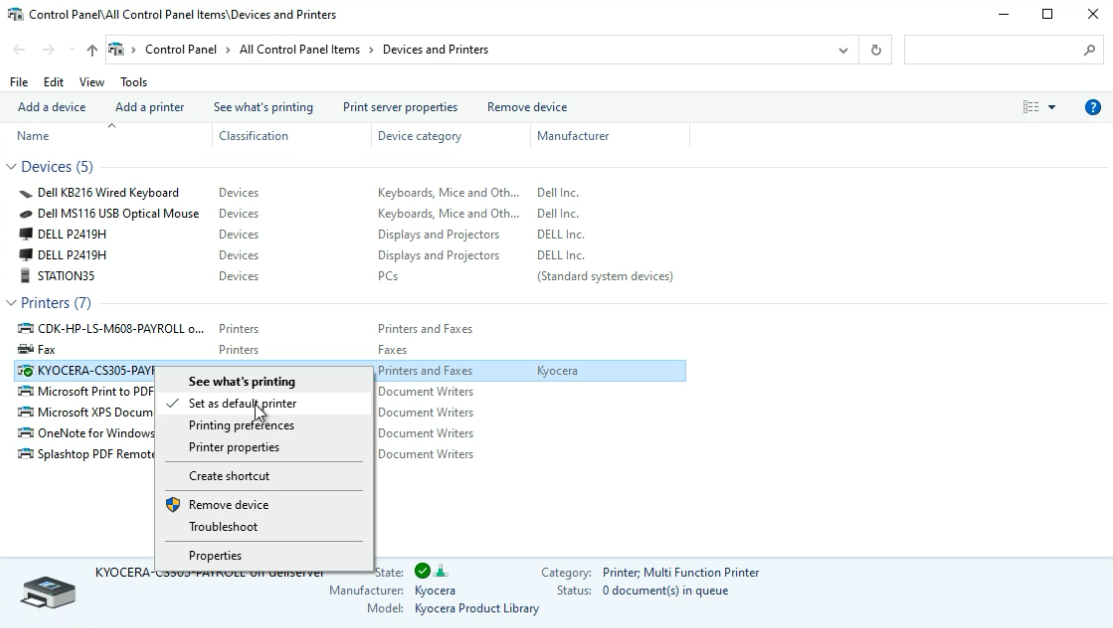
3. Select Set as default printer
Still need help?
Submit a Ticket
1. Double-click on the Devices and Printers - Shortcut icon
2. Right-click on the printer
3. Select Set as default printer