RIMSS
RIMSS (WinNetStar) DMS
RIMSS must be installed and configured per user. This guide instructs you on how to install and configure RIMSS.
Installing RIMSS
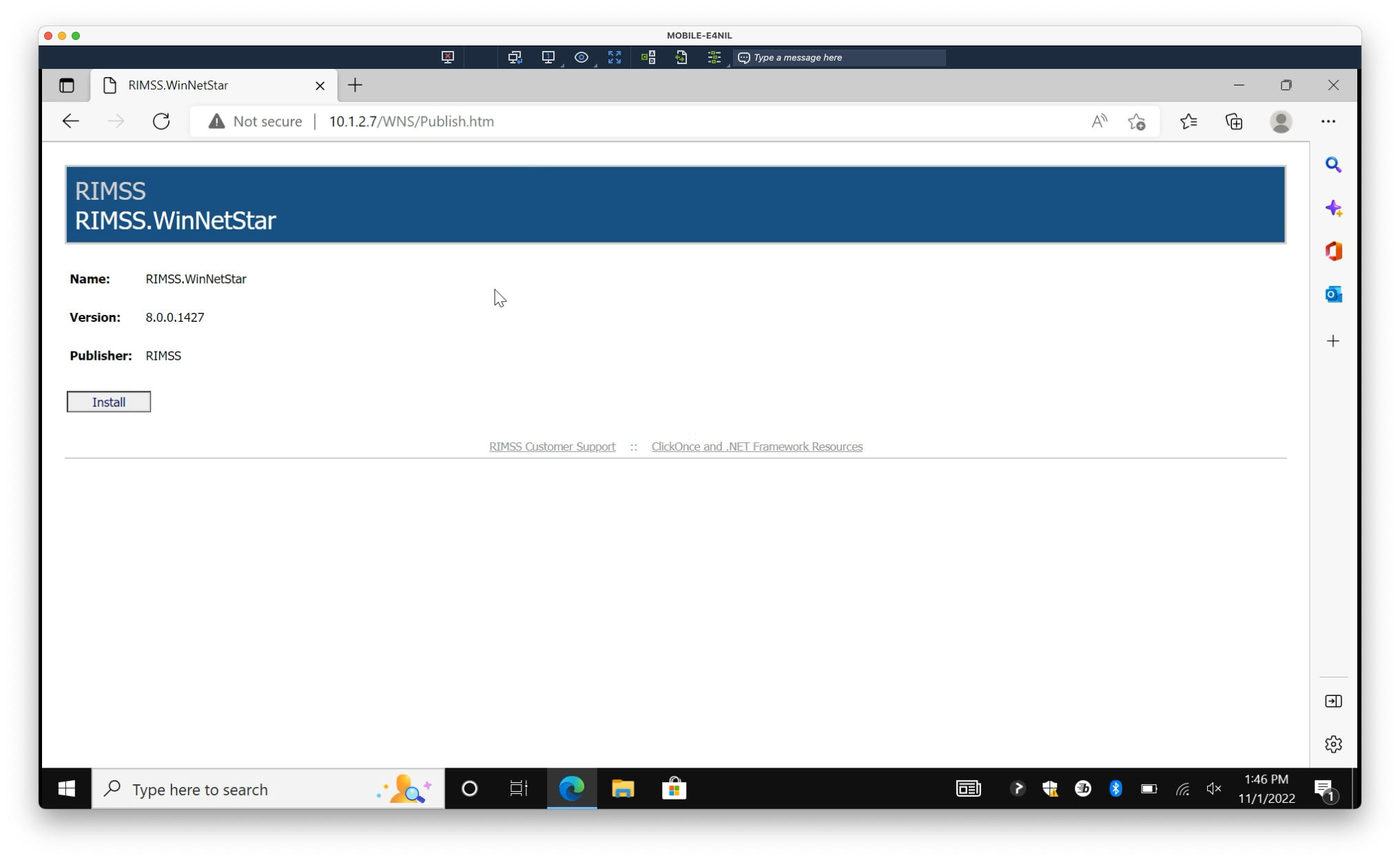
1. Navigate to the server address:
10.1.2.7(http://10.1.2.7/WNS/Publish.htm)
2. Select Install on the page
3. Depending on your browser, open the application by downloaded file or dialog:
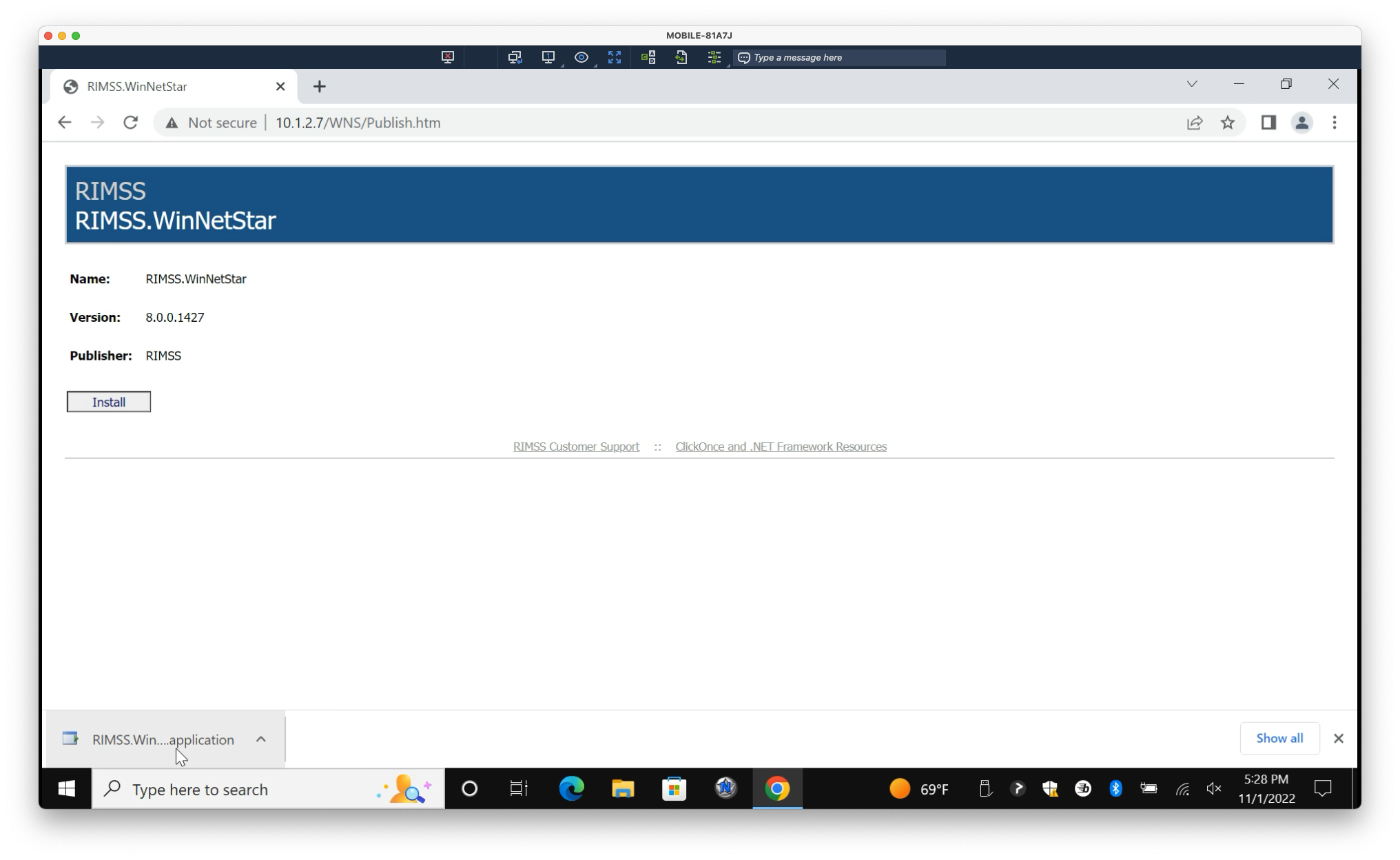
Google Chrome
Open the downloaded .application file
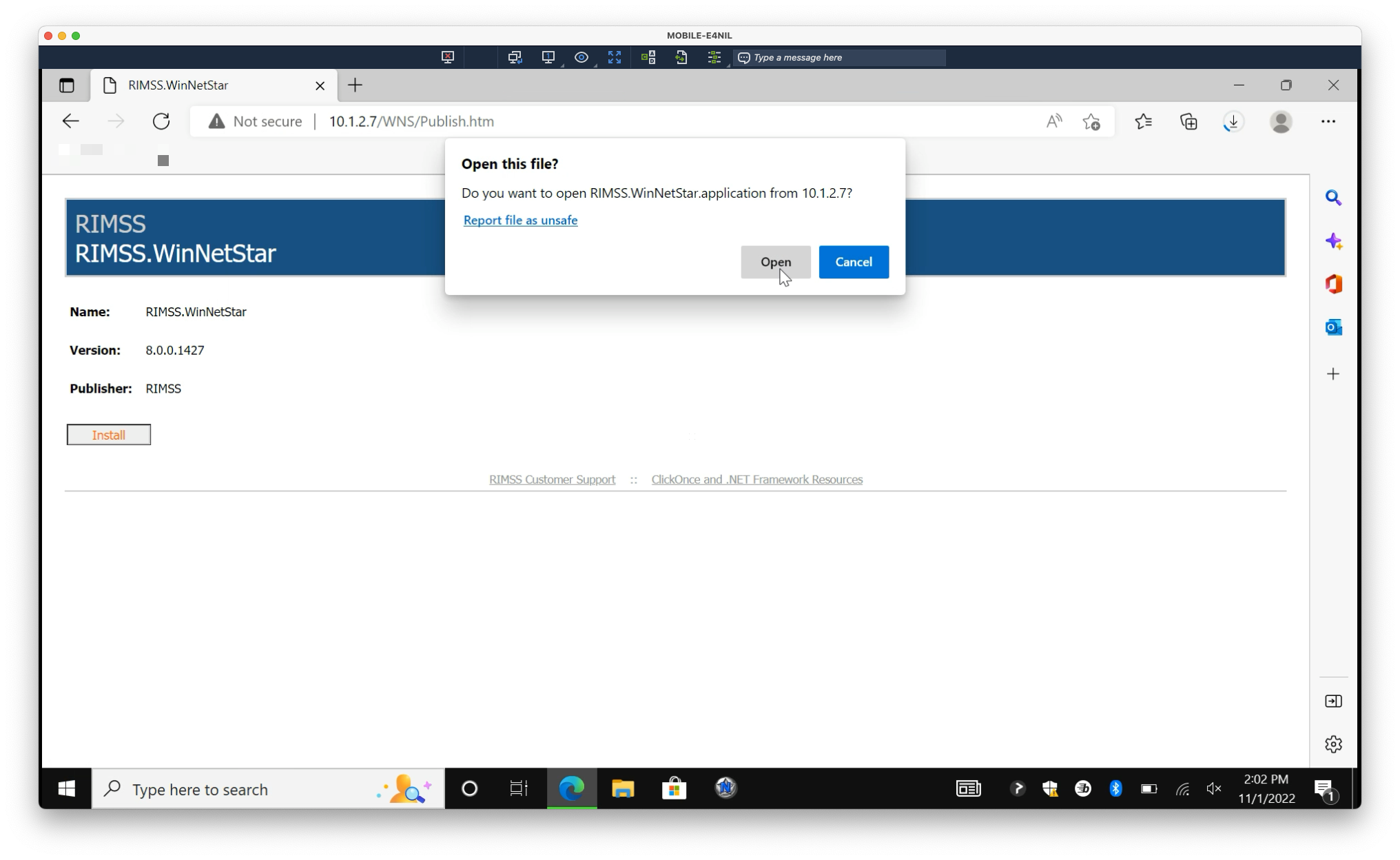
Microsoft Edge
Select Open
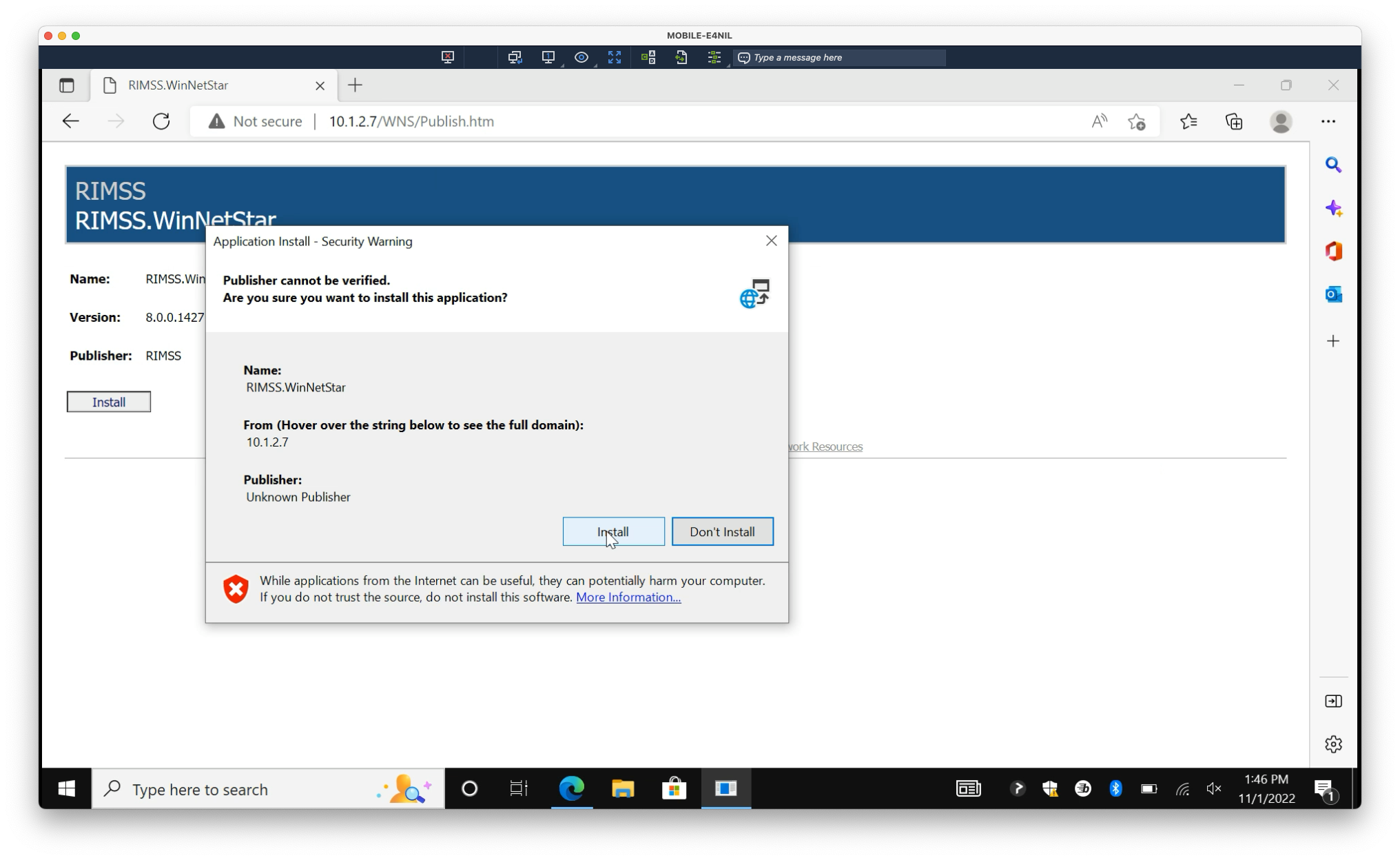
4. Wait for download to complete. Select Install
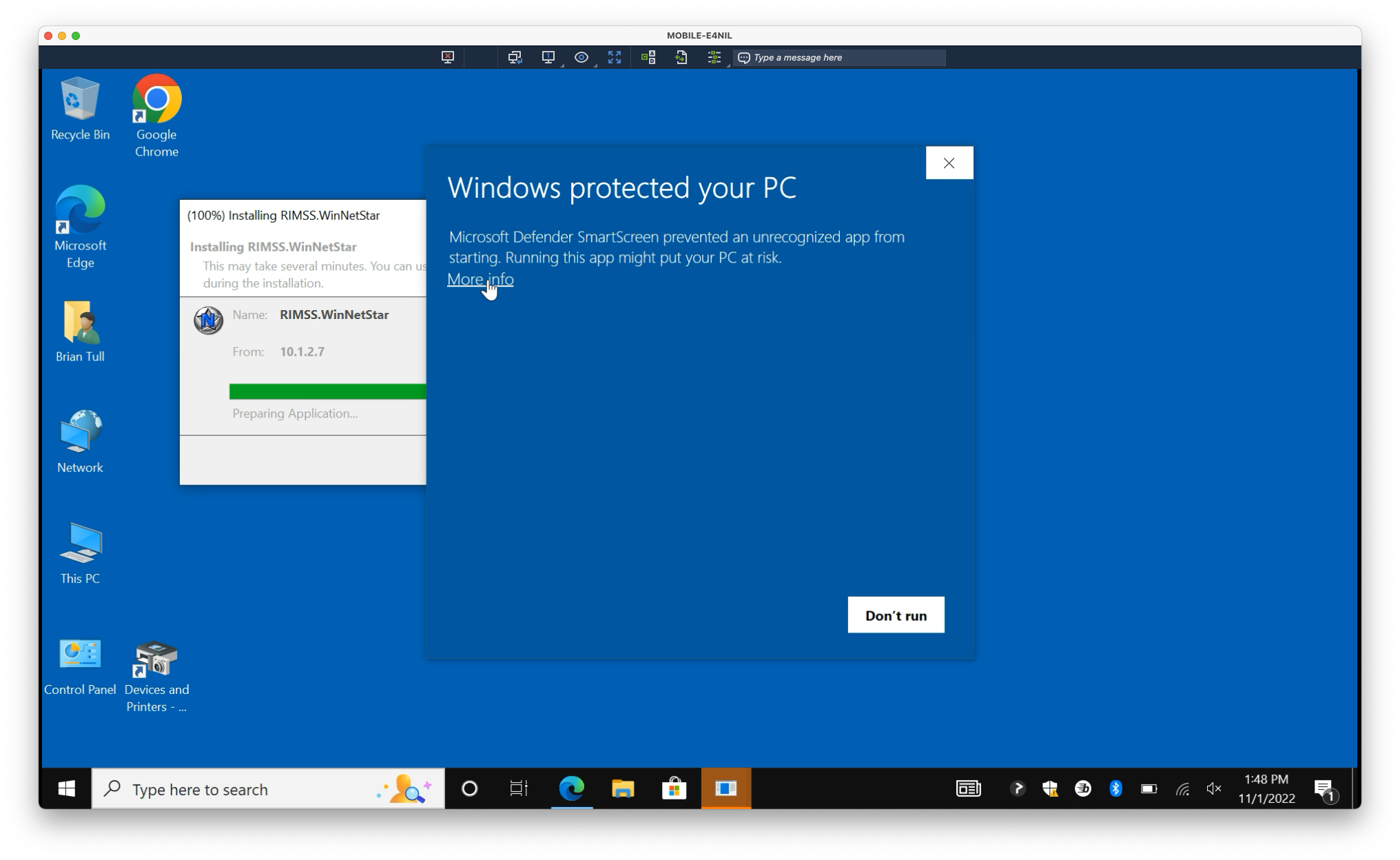
5. You will encounter a SmartScreen dialog. Select More info
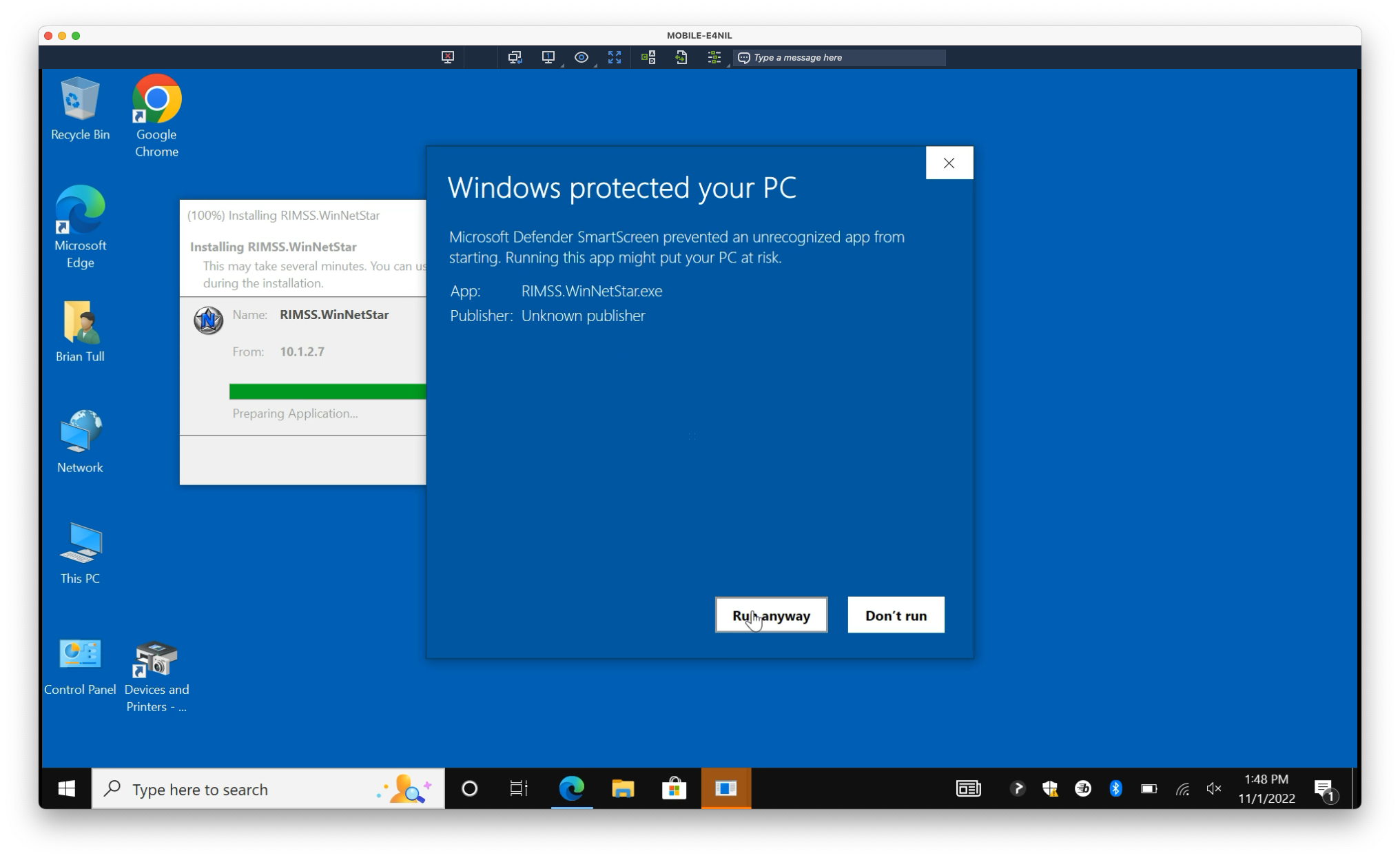
6. Select Run anyway
Configuring Host
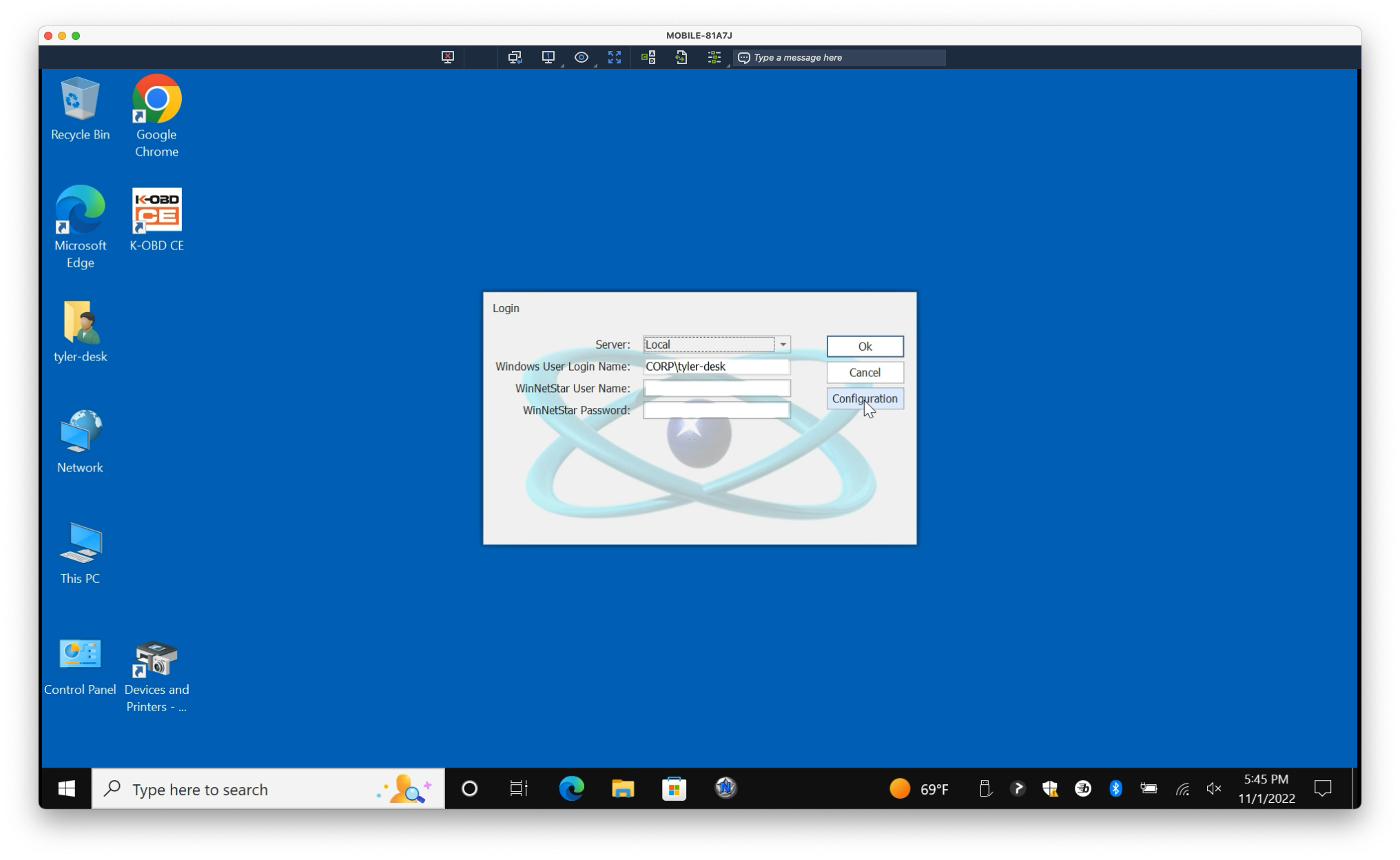
1. Open RIMSS, if not already open. At the login dialog, select Configuration
2. On the first line (Local), under ServerLocation, copy and paste the following:
http://10.1.2.7/RemotingHost/RemotingPortal.rem
Then press Tab to save the field
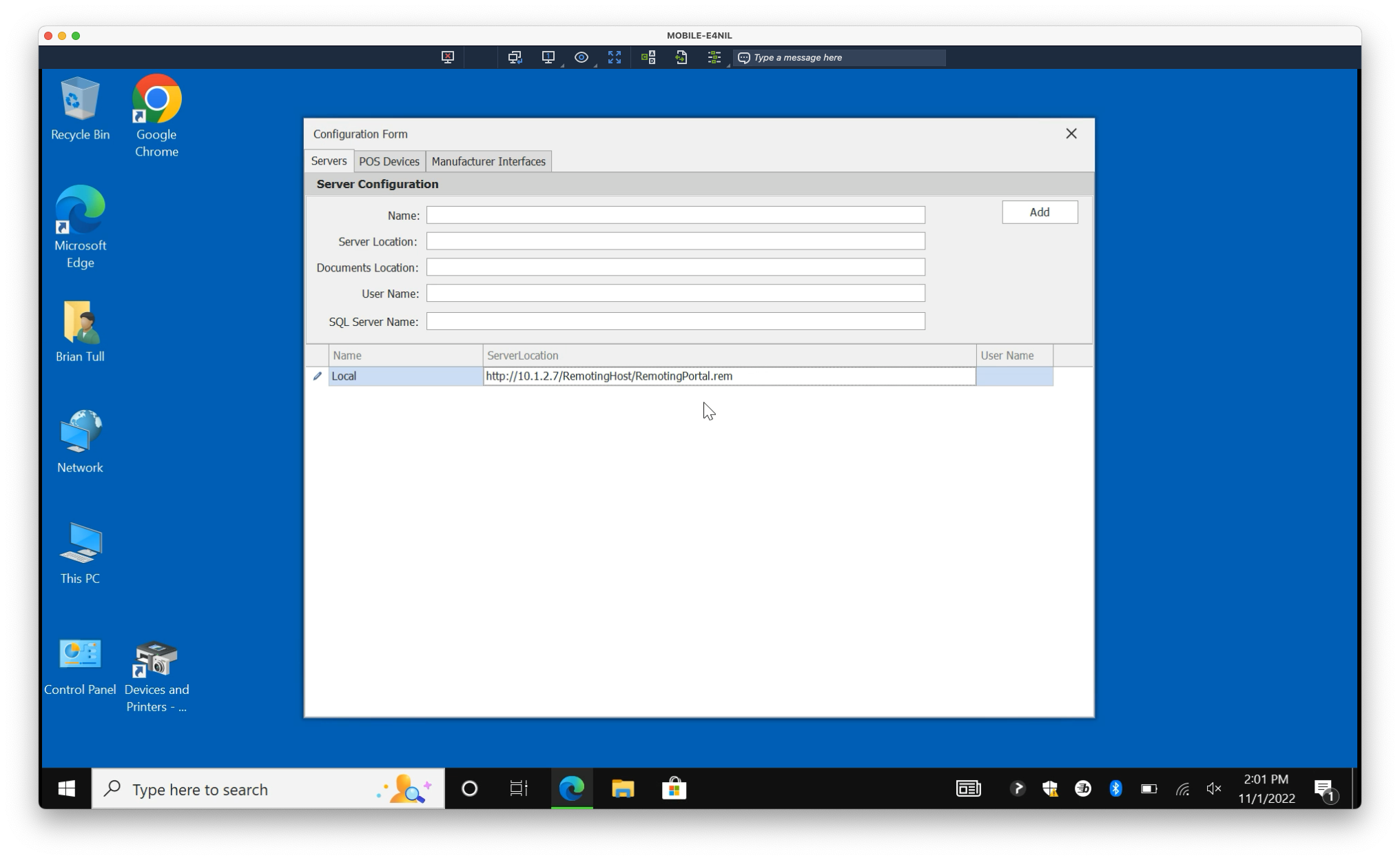
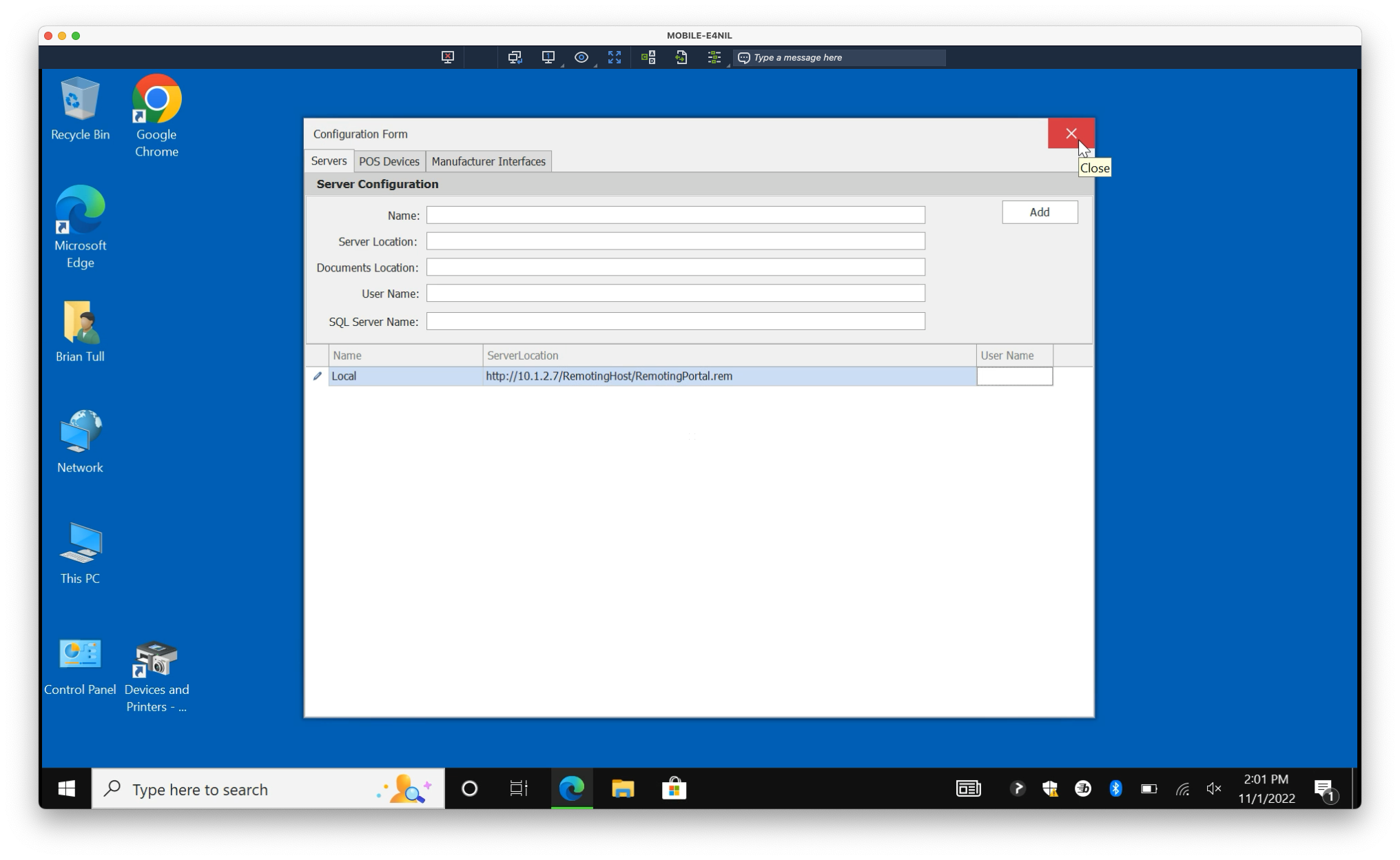
3. Exit the Configuration window
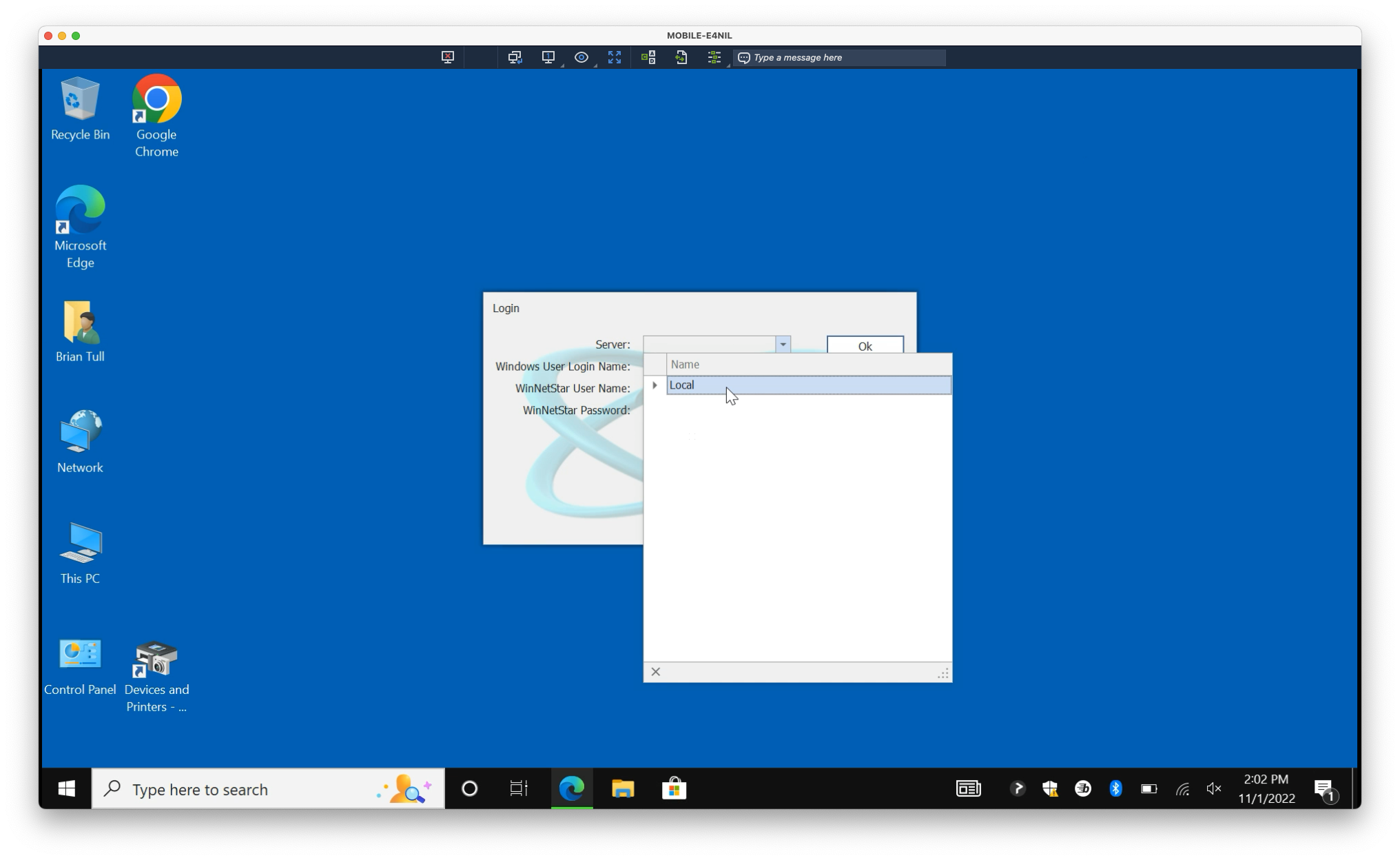
4. Under the Server dropdown, select Local