Accessing your Email
Accessing your Email
Only webmail and the respective official apps are supported. Native or third-party Mail apps are not supported.
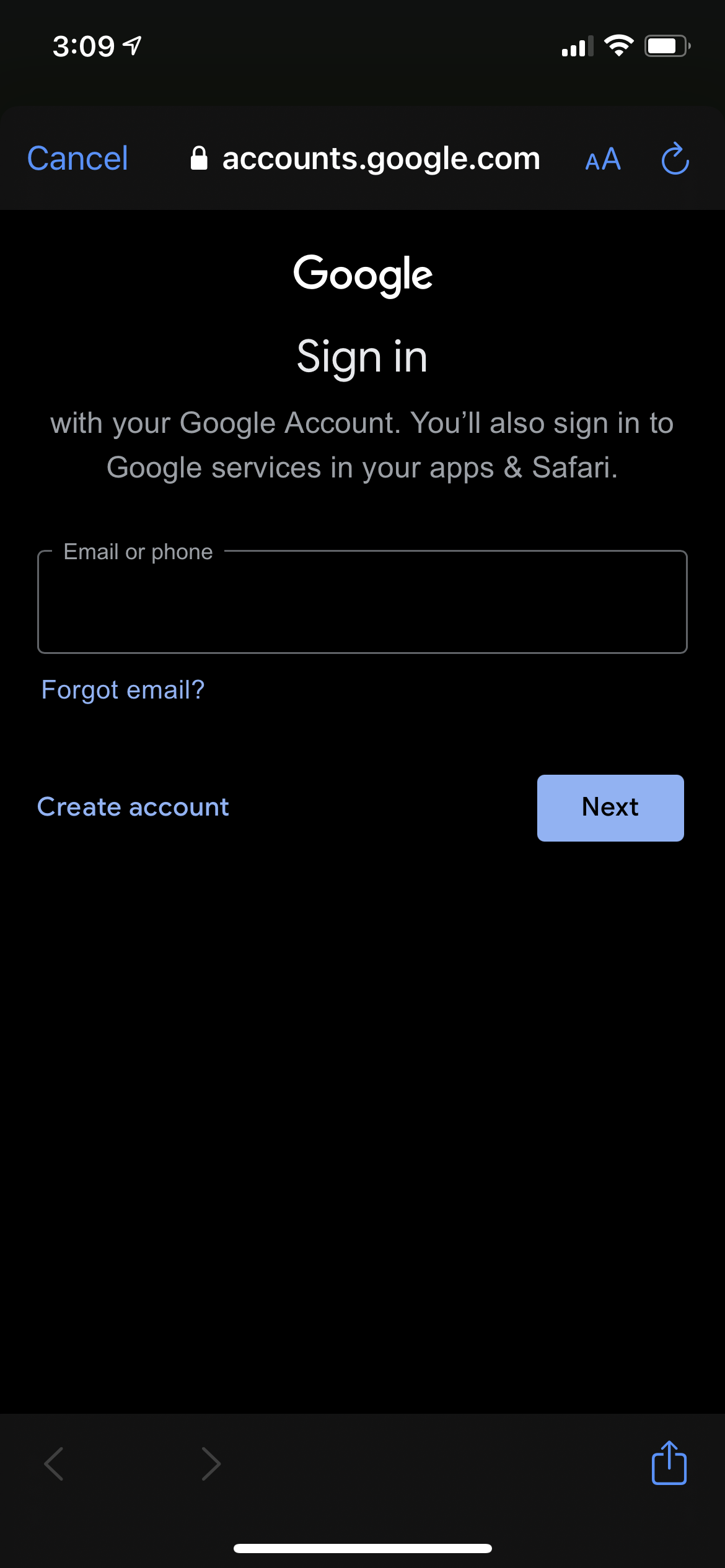
Signing into your Email
Select your email platform:
From a Computer
1. Navigate to:
Click Sign in
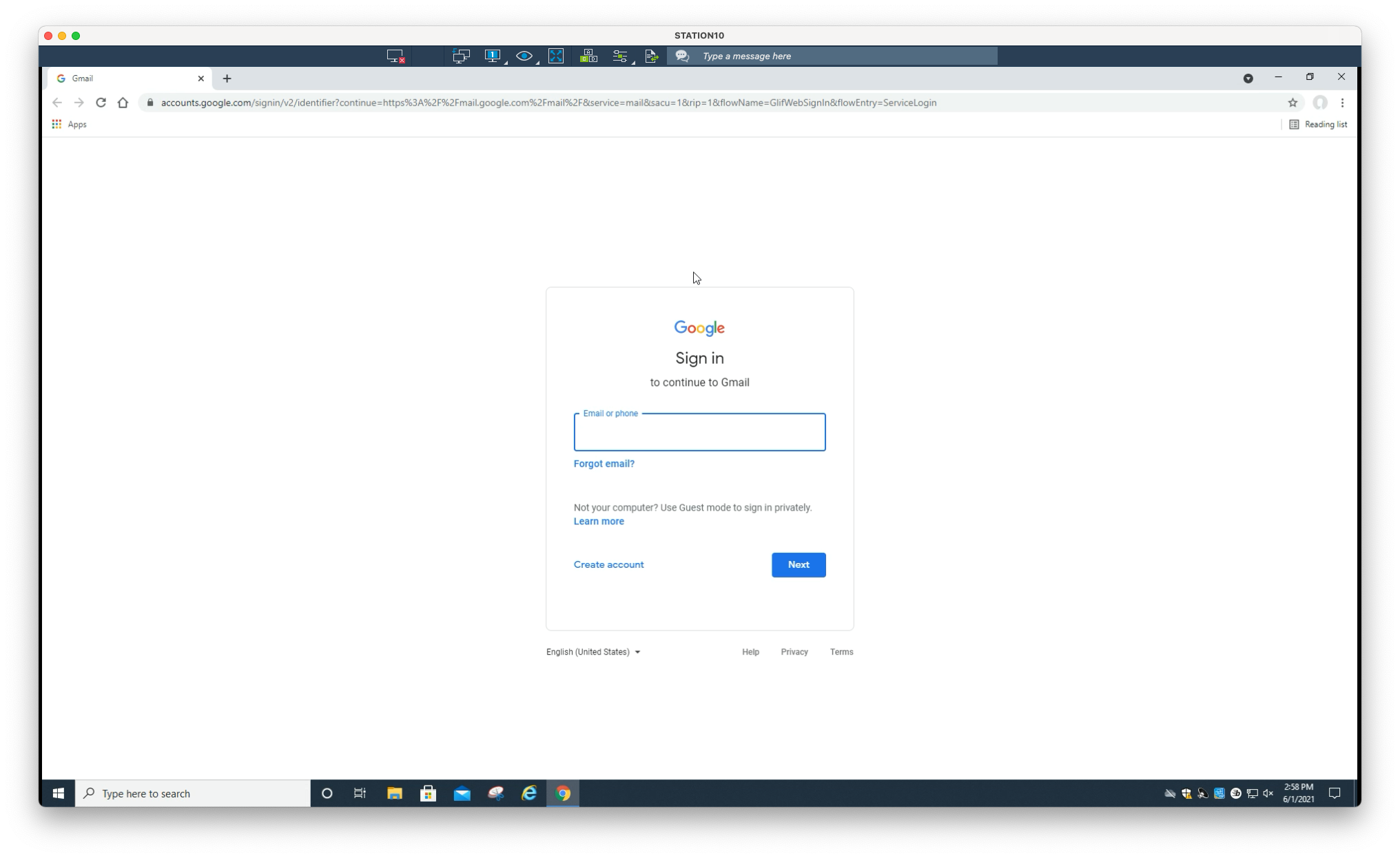
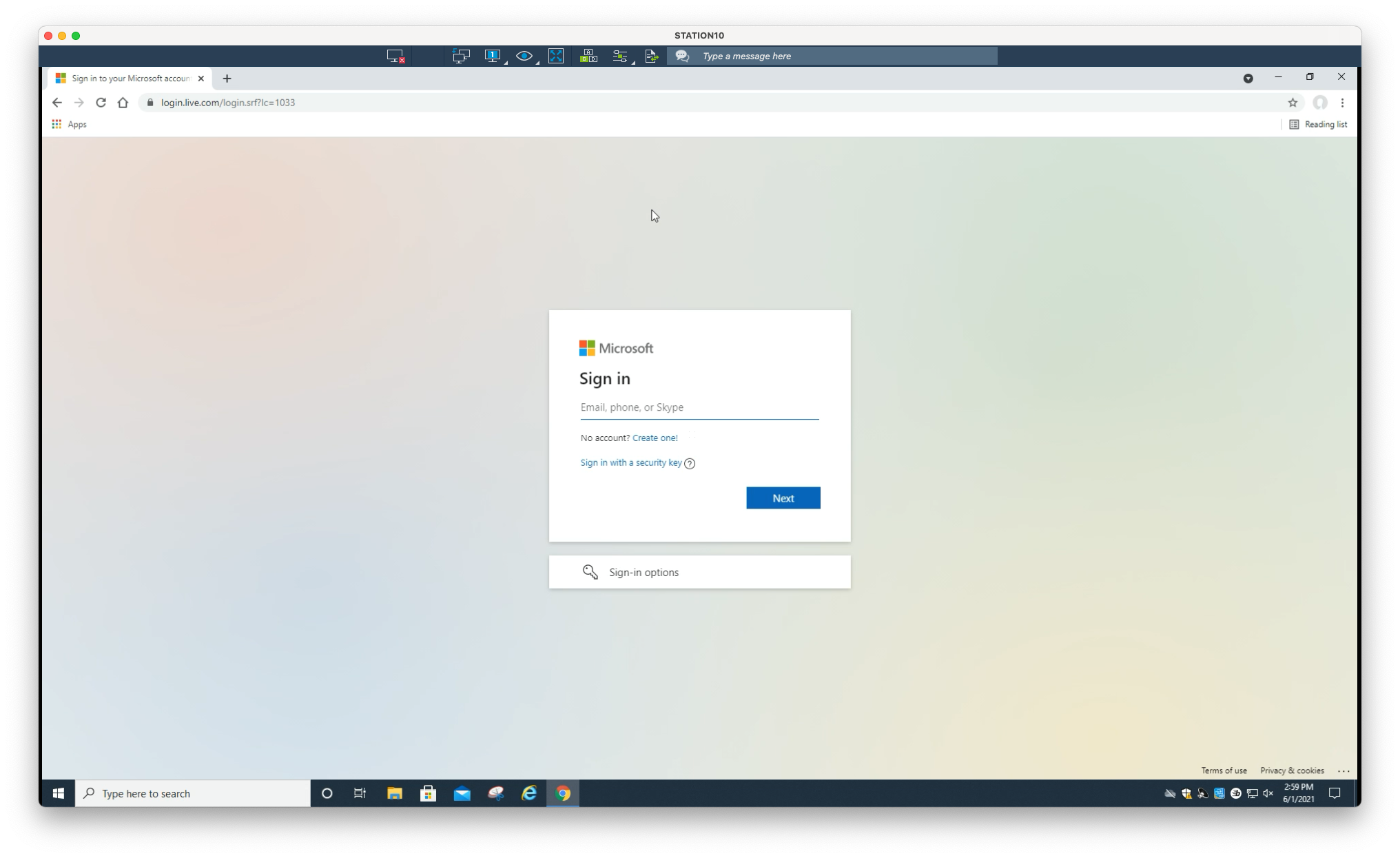
2. Log in using your provided credentials. Enter your full email address (eg. jdoe@company.com)
From a Mobile Device
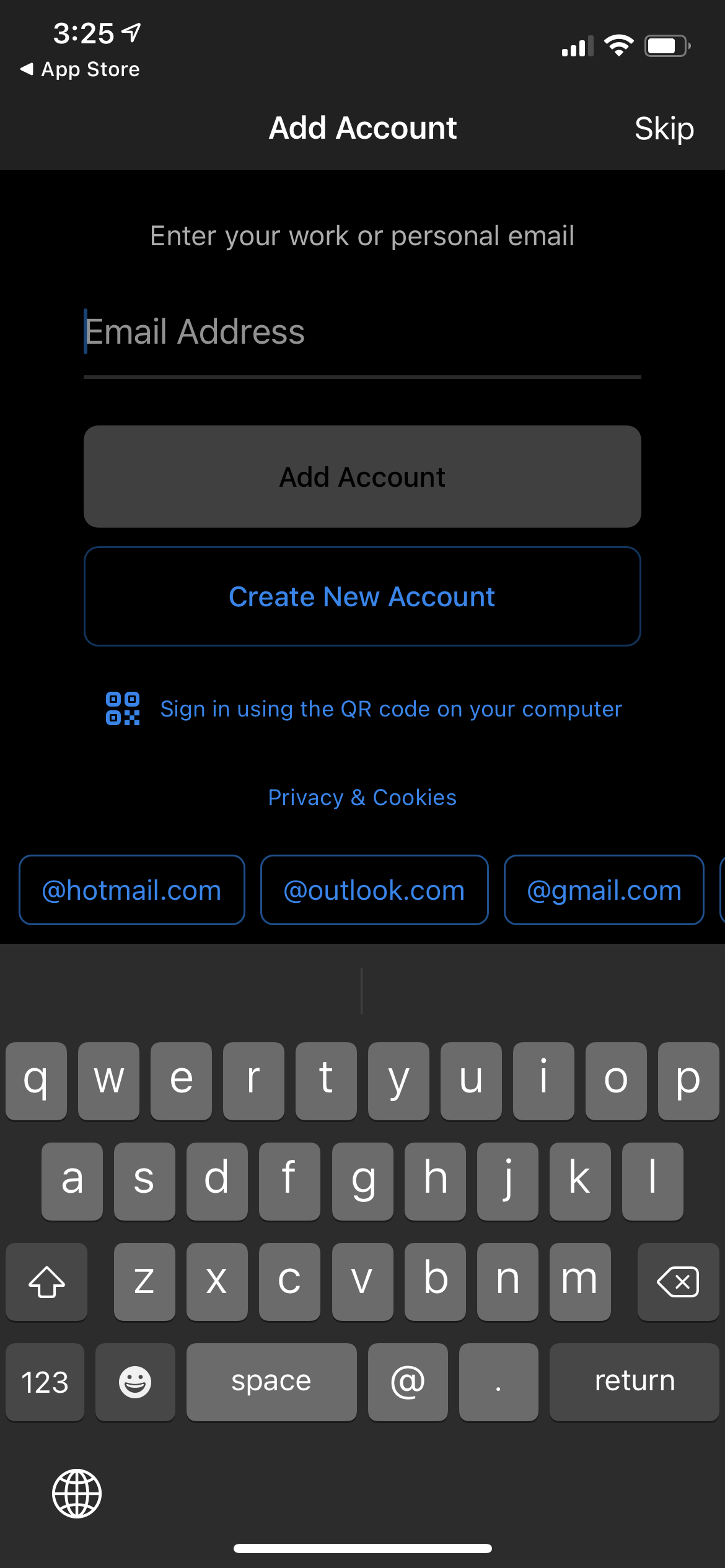
For the best experience, use the official Gmail app rather than your device’s native Mail app
1. Download the Gmail app:
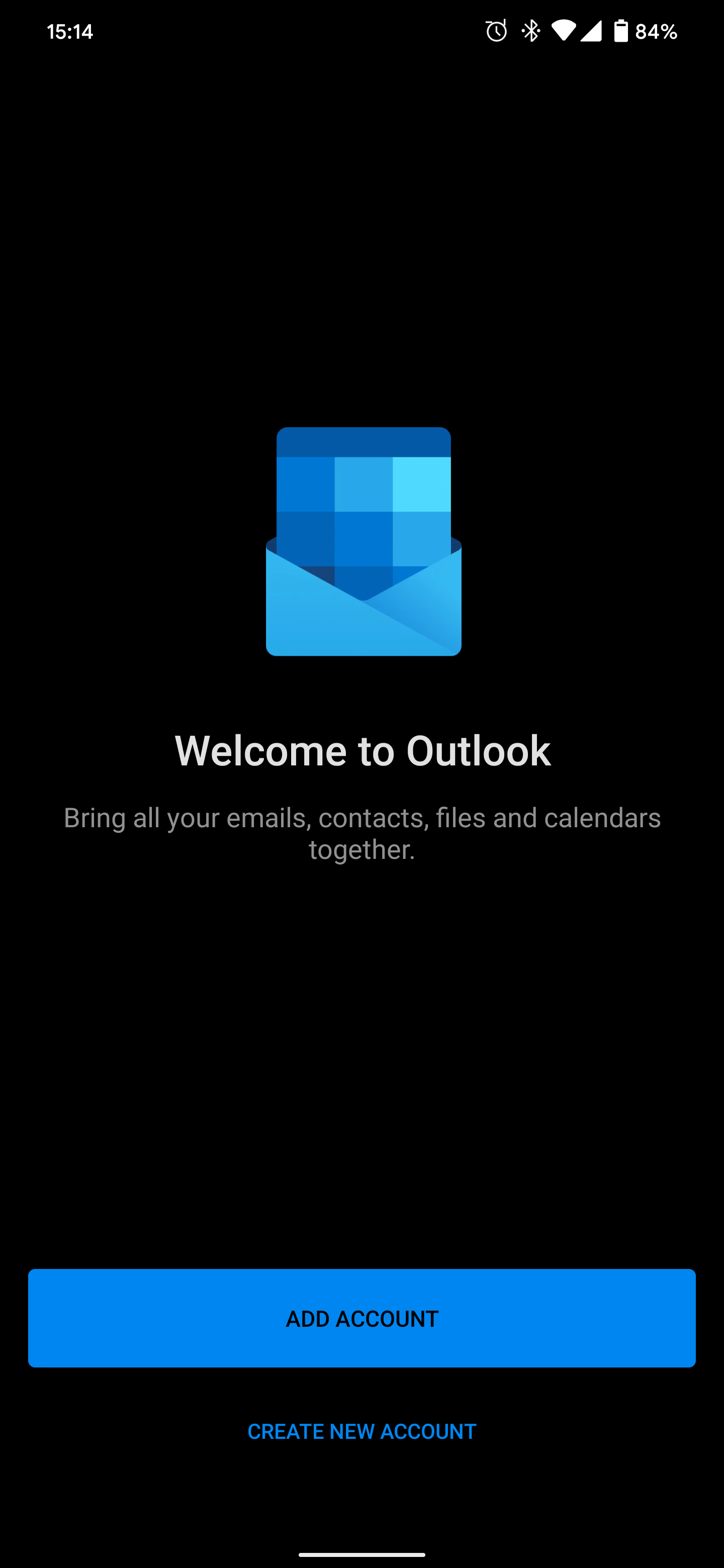
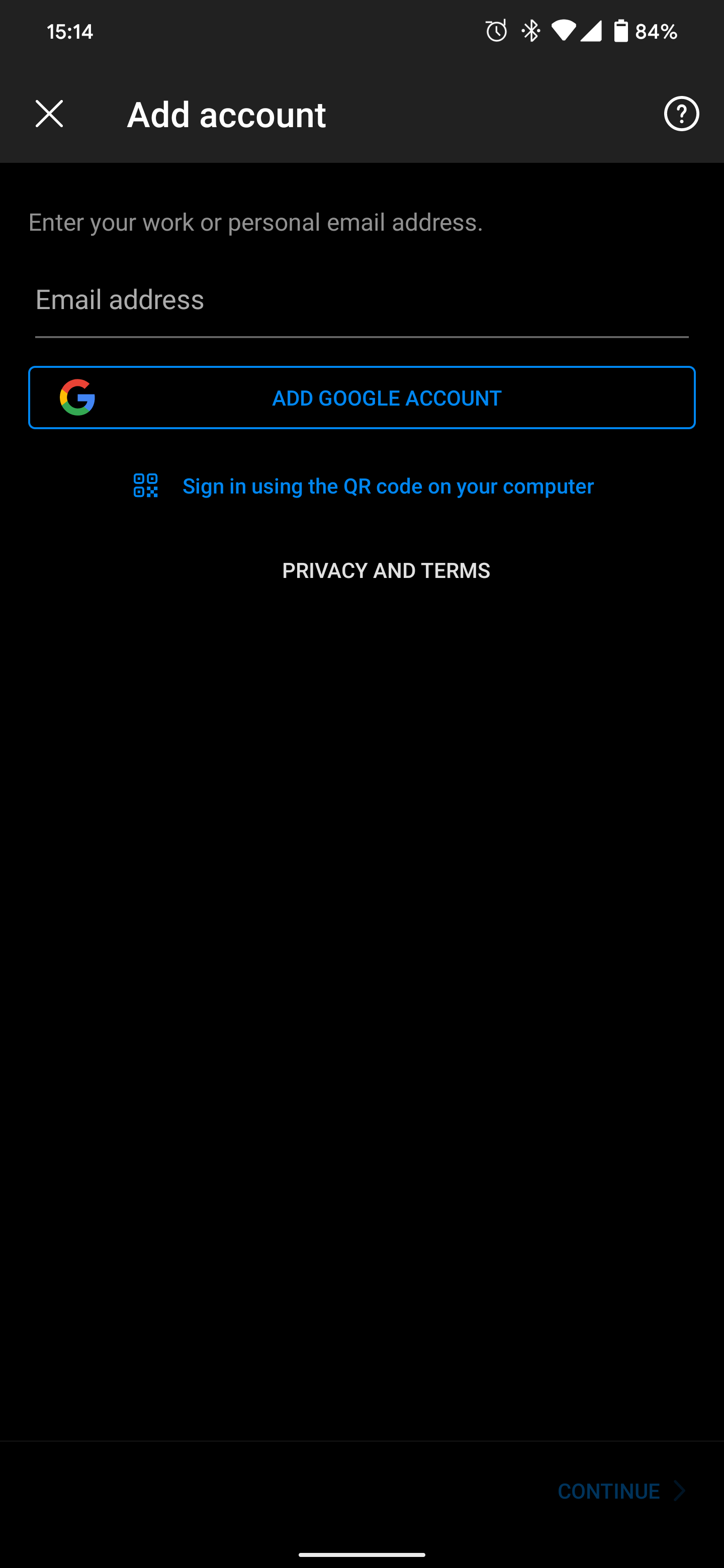
2. Open the app. Select Google when prompted to Set up email
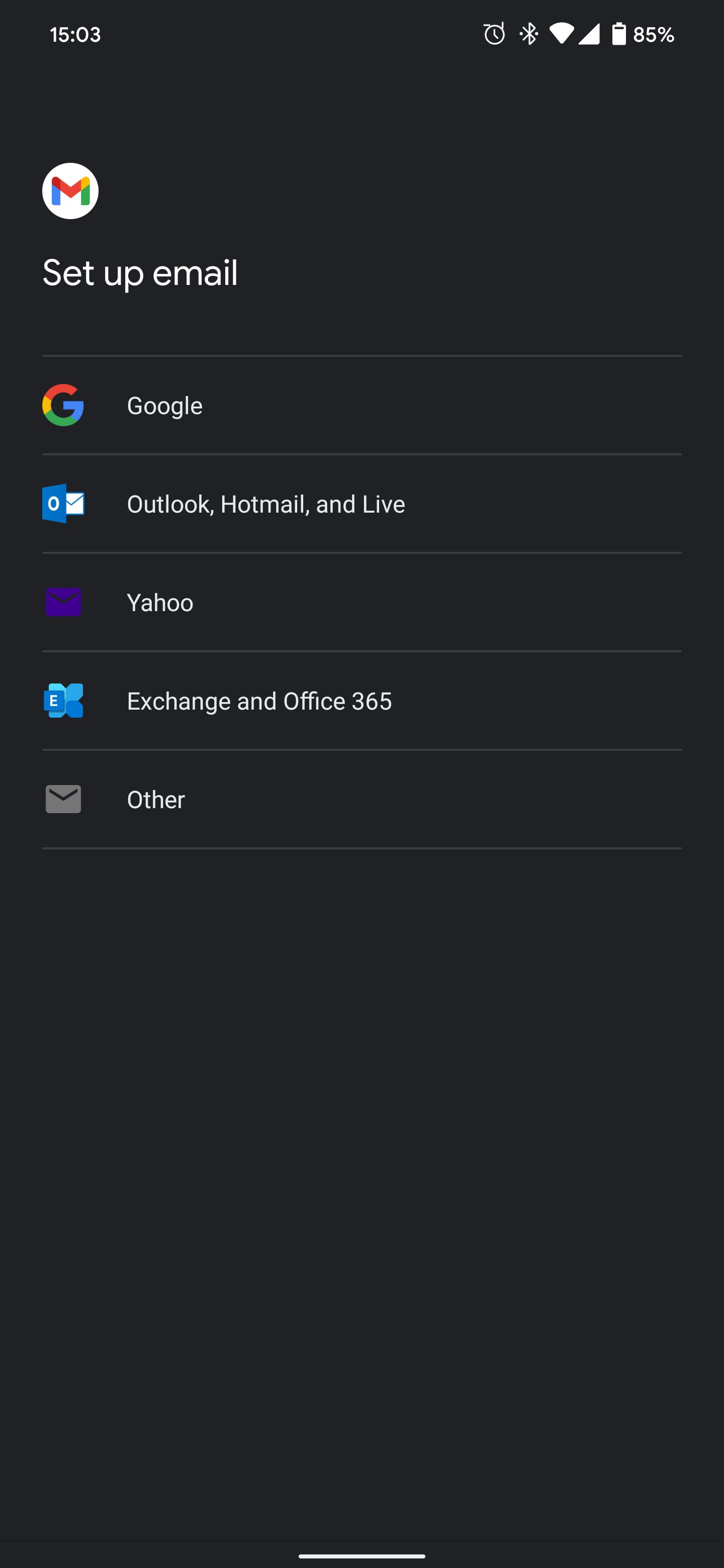
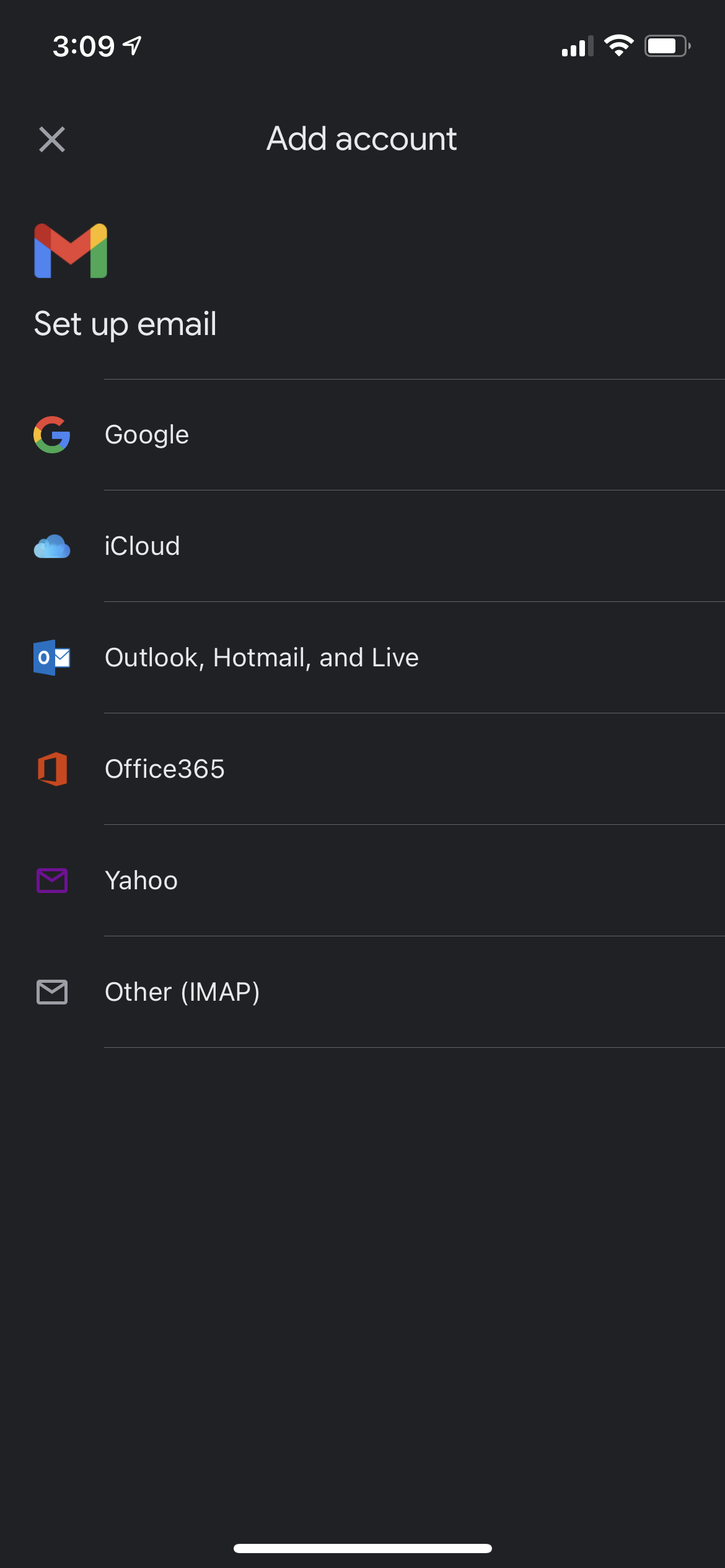
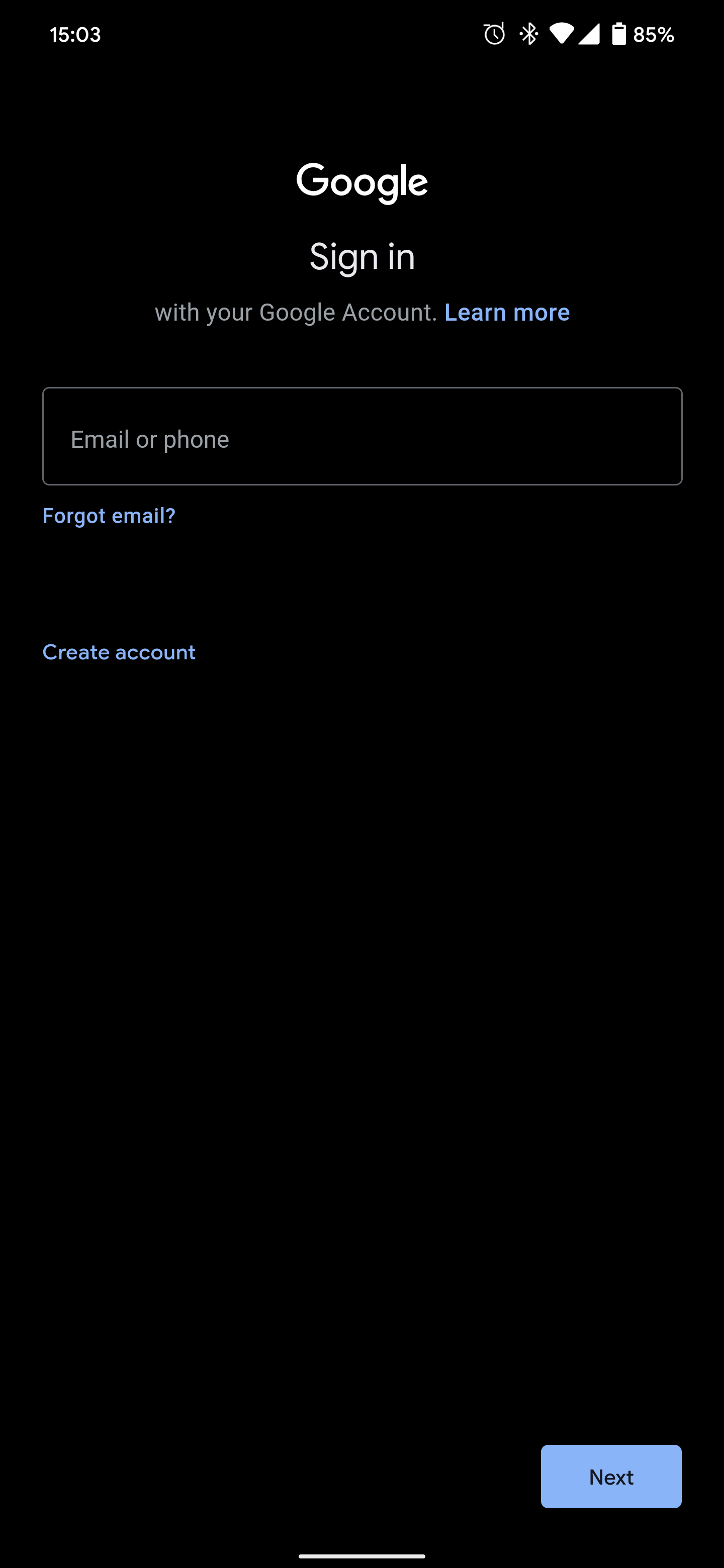
3. Log in using your provided credentials. Enter your full email address (eg. jdoe@company.com)
Resetting your Password
In order to reset your password, a ticket must be submitted by a person of authority. This includes persons such as General Managers, Financial Administrators, and Controllers. One cannot submit a ticket for a password reset on their own behalf.
Still need help?
Submit a Ticket