eFaxing Guide
Sending a Fax
1. Log into your work email account, and click Compose to create a new message
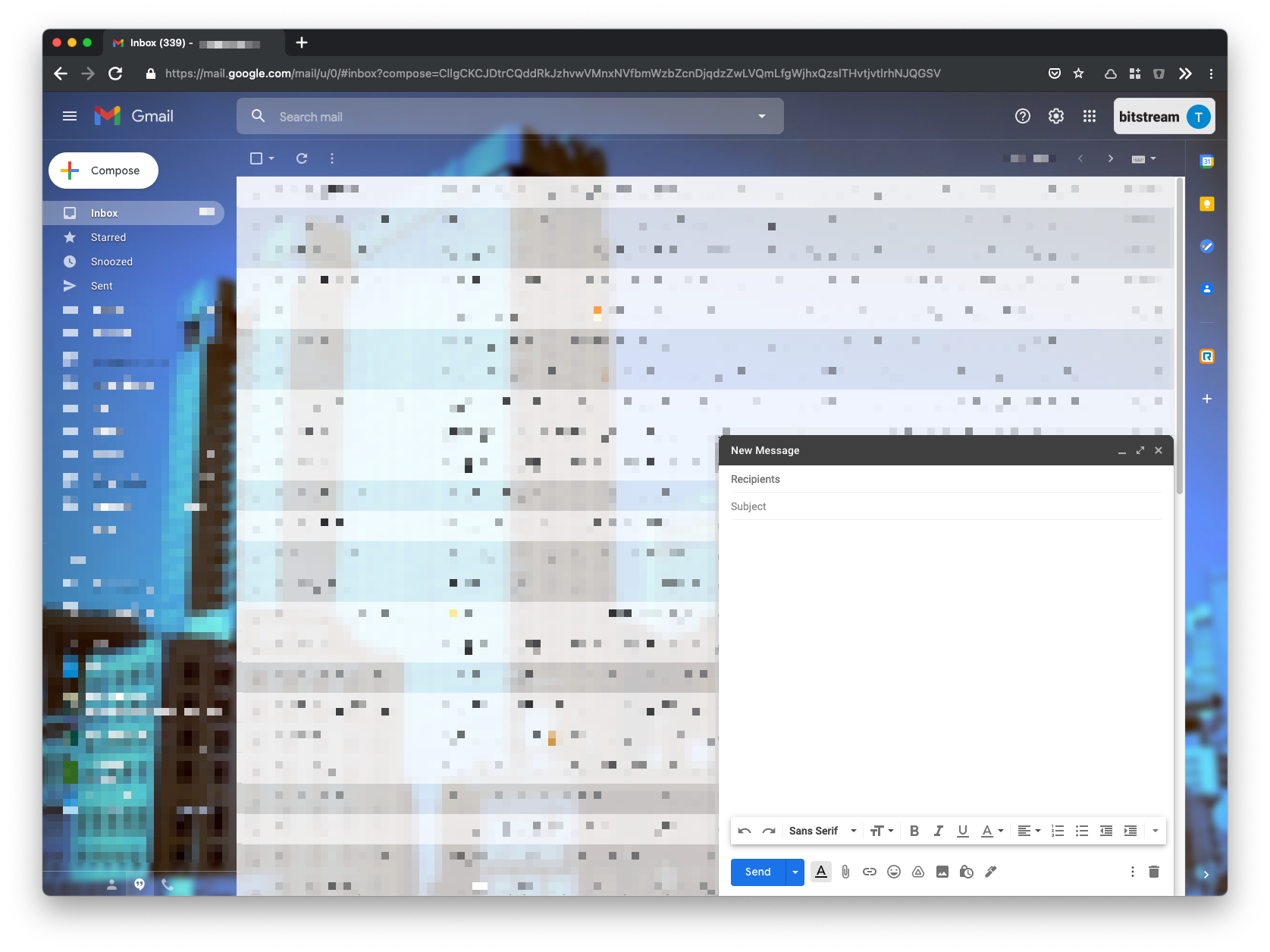
2. Scan any documents you wish to fax, and add them as an attachment to the message. Type a Subject and Message if desired
3. In the To: field, enter the recipient’s [fax-number]@rcfax.com. For example - if I am sending a fax to 800-123-4567, the message would be sent to 8001234567@rcfax.com
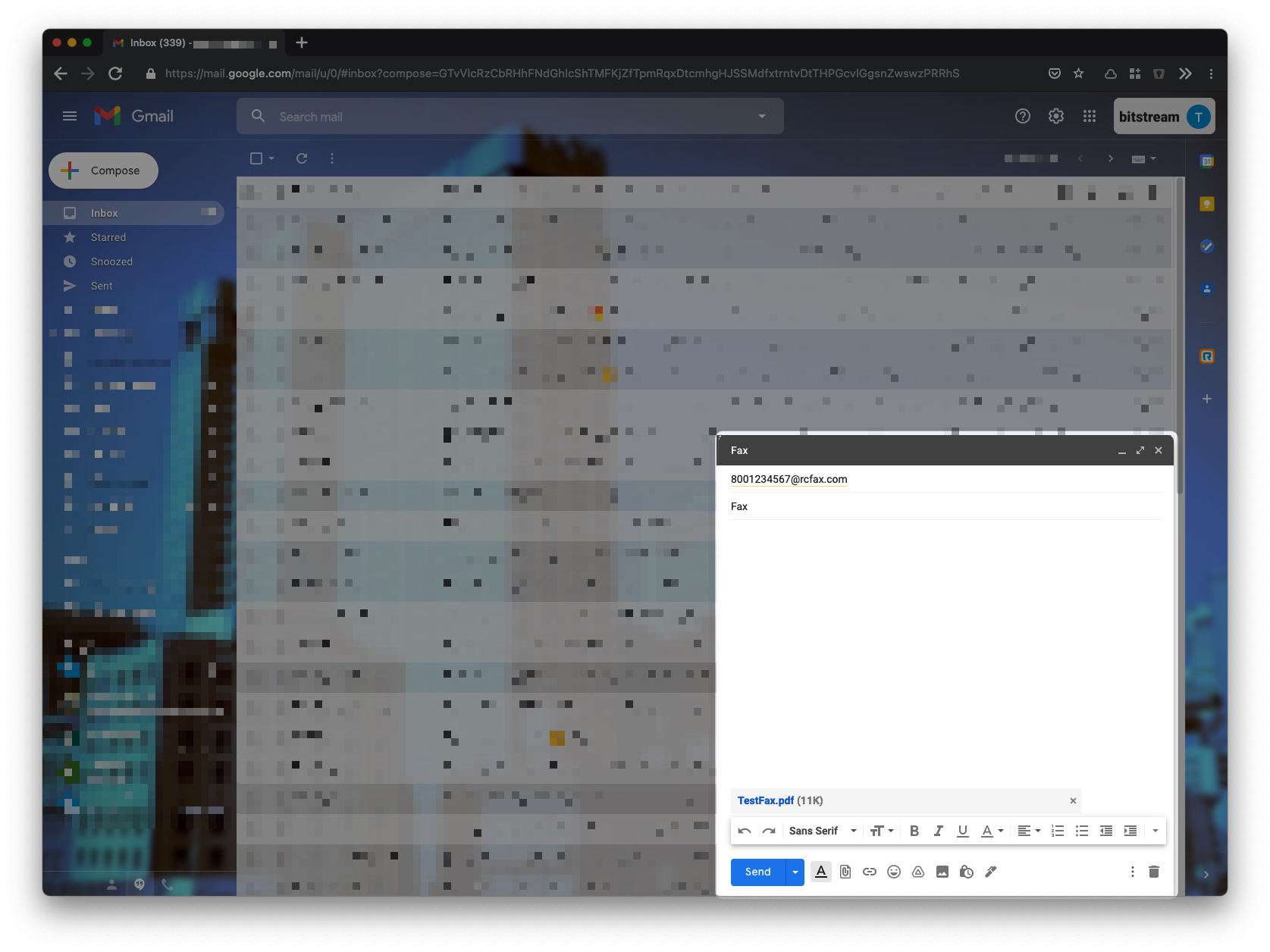
You can now send the message. In a few minutes you’ll receive an email stating if the fax sent was successful or not.
If you do not receive a success or failure message after 10 minutes, please submit a ticket. We will help you diagnose the problem.
Receiving a Fax
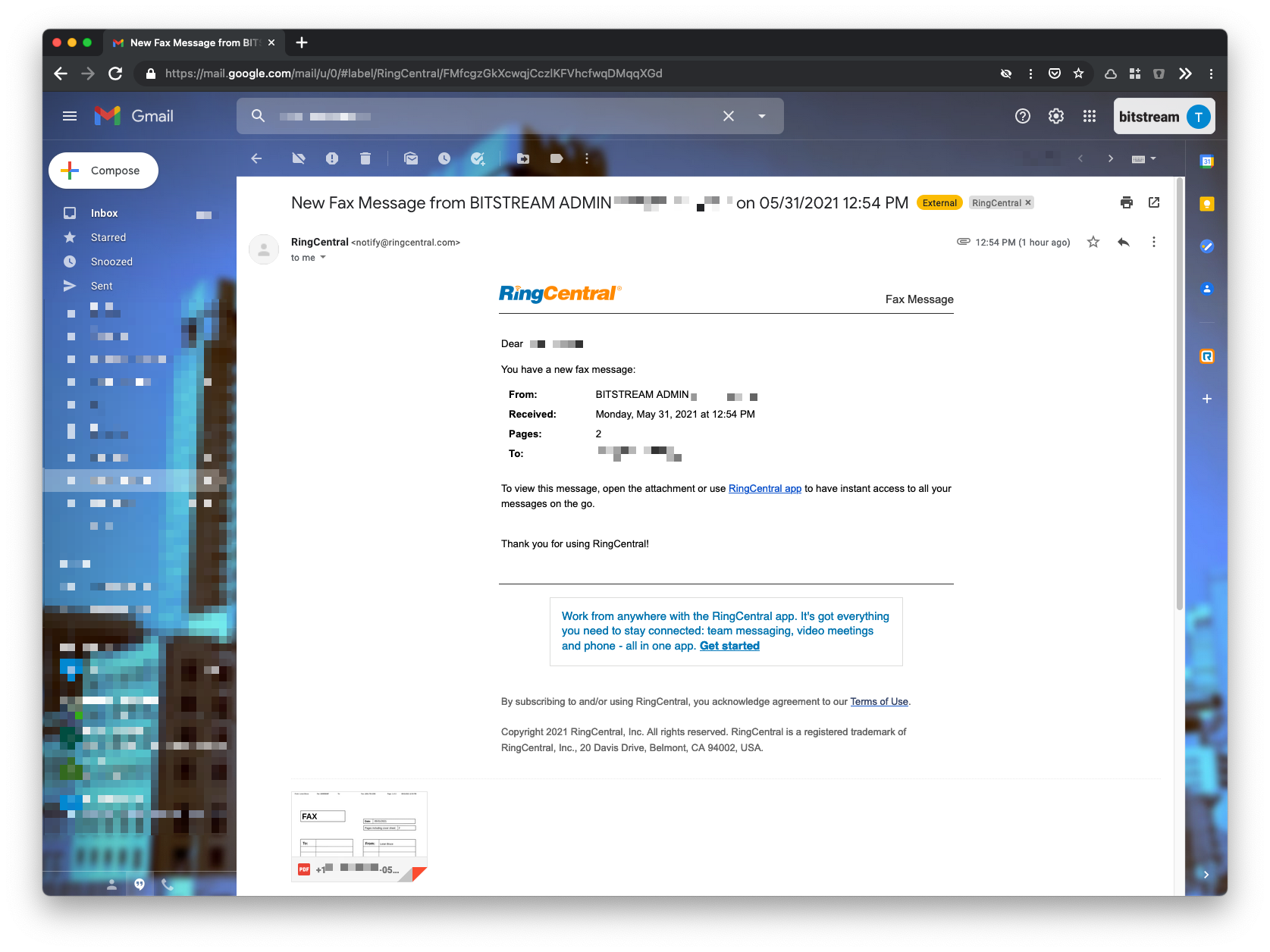
Received faxes will be sent from RingCentral to your email inbox as an attachment.
Managers, please note that you must let us know via ticket when adjustments should be made. This should be done any time persons authorized to send and receive faxes from departmental numbers changes. If this is not done, your employees will not be able to send and receive faxes from those numbers.
Still need help?
Submit a Ticket