Registering Mobile Device with Microsoft 365
Registering Mobile Device with Microsoft 365
Applies to Microsoft 365 organizations with advanced Conditional Access policies.
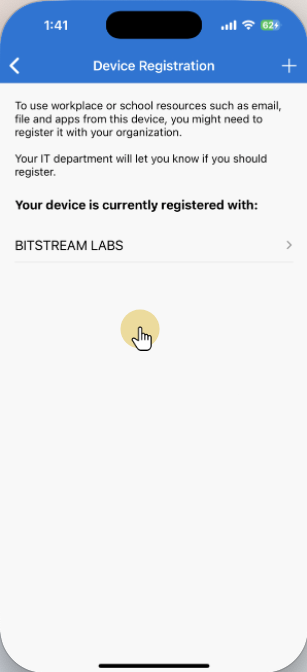
Microsoft 365 organizations who have advanced Conditional Access policies may require that you register your mobile device (phone/tablet) with the organization, in order to access resources such as email and calendar.
This article will guide you through registration.
This process requires that you have the Microsoft Authenticator app installed on your device. If you haven’t already done so, follow the steps to install it in the Enabling 2FA guide.
Select your device:
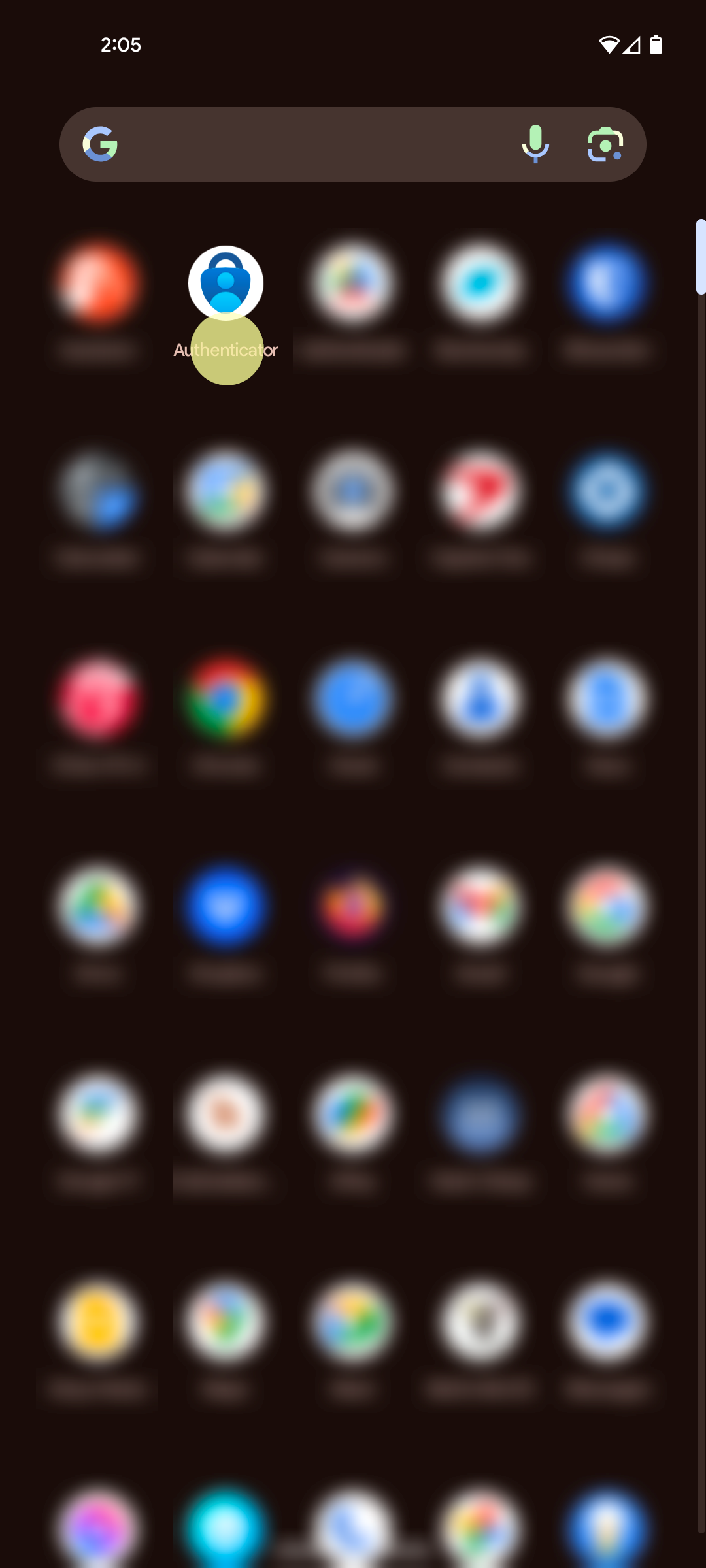
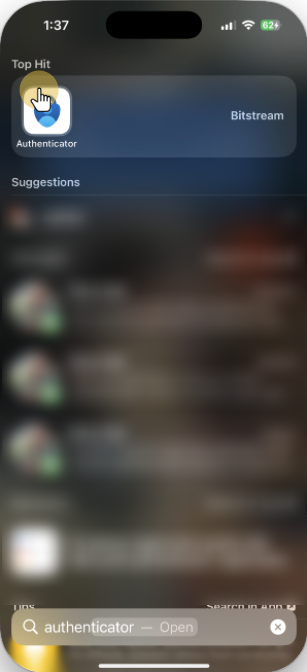
1. Launch the Microsoft Authenticator application
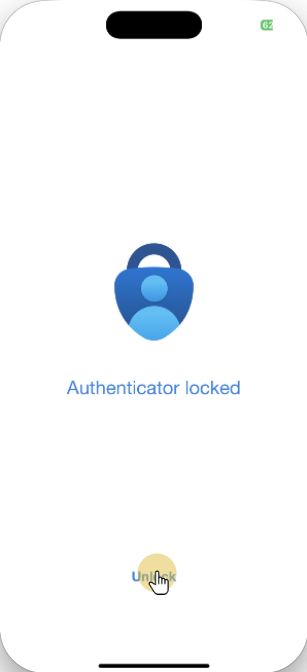
2. Unlock the application

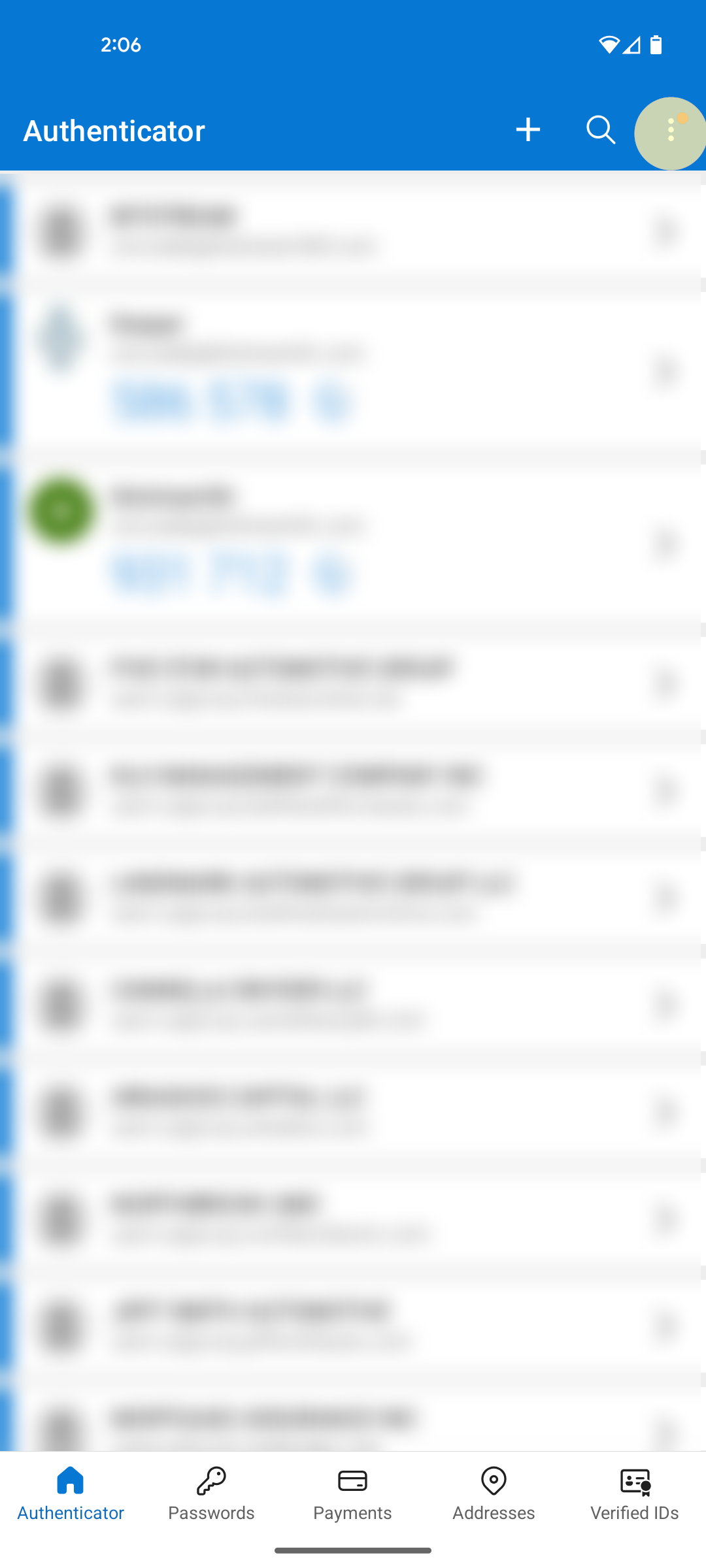
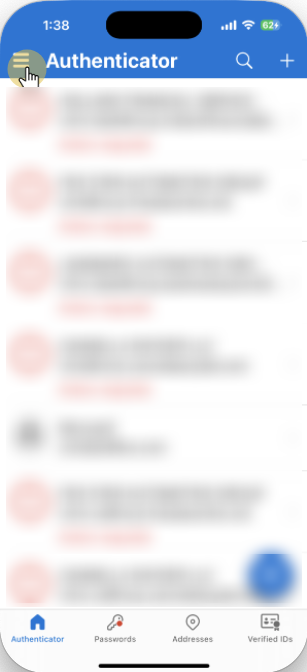
3. Tap the Menu icon
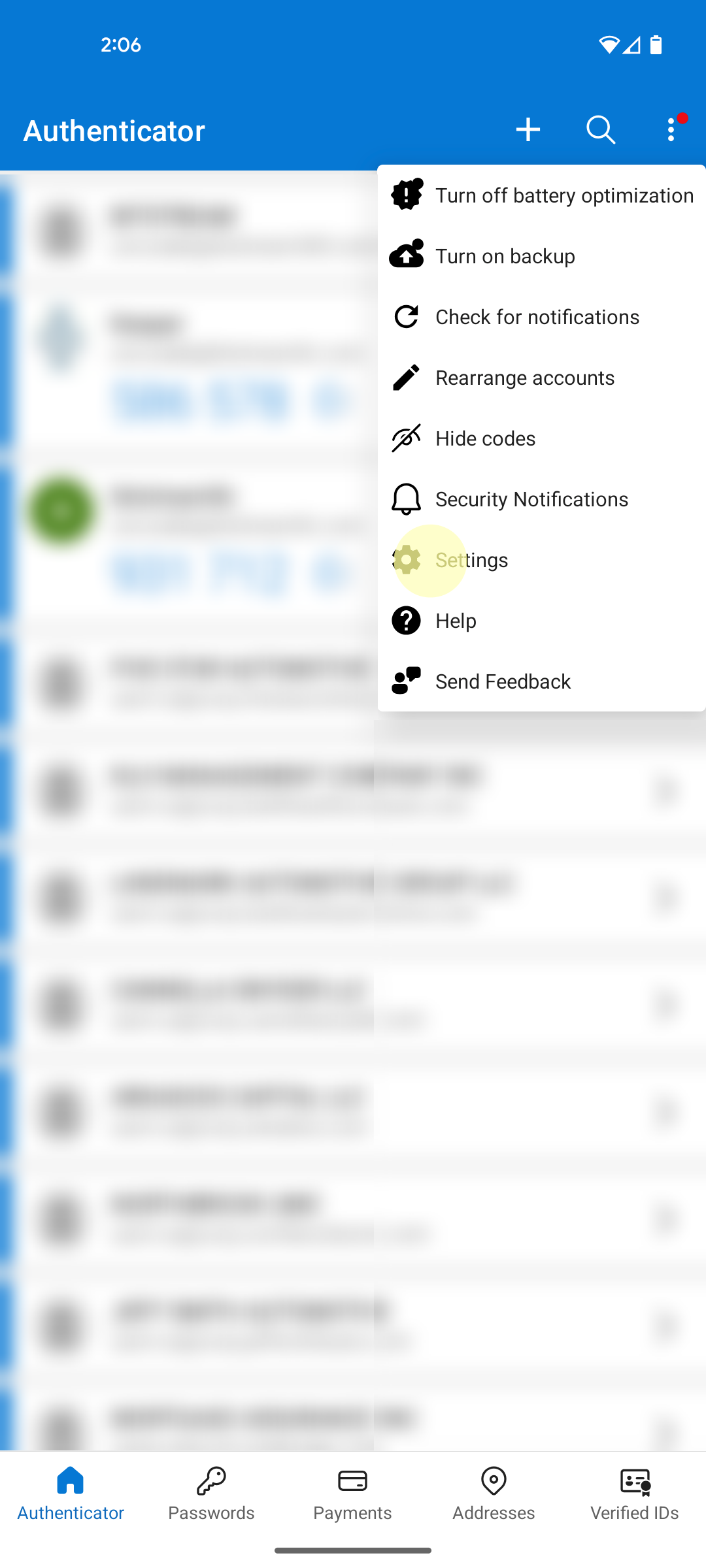
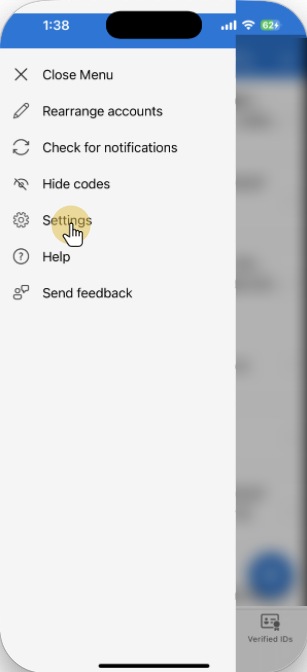
4. Tap Settings
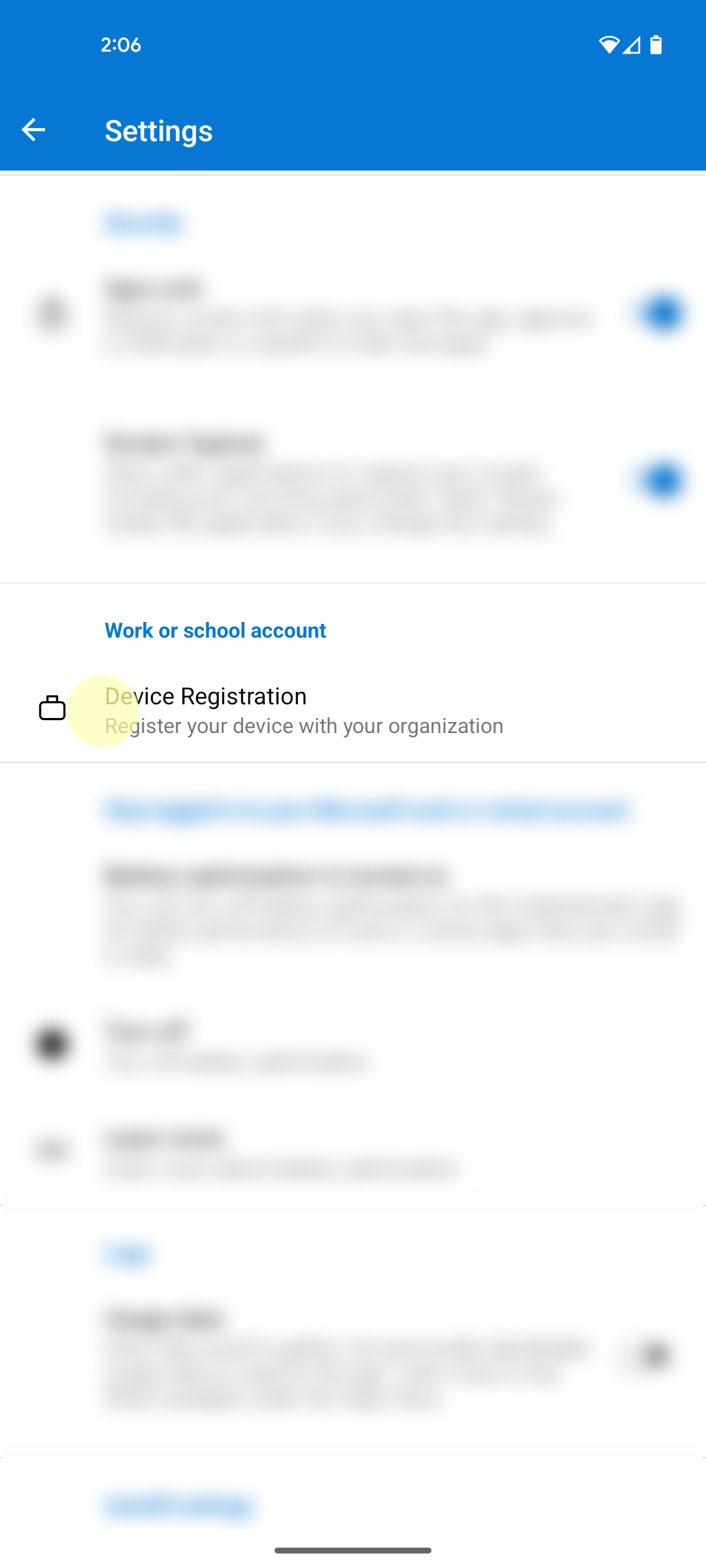
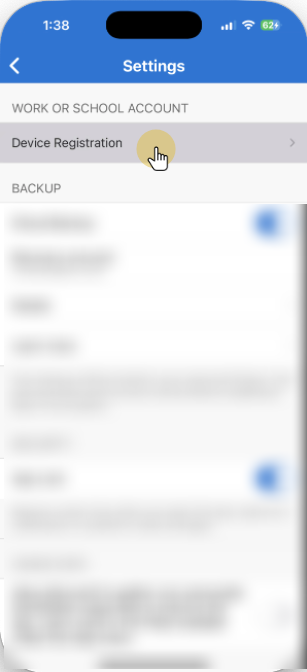
5. Select Device Registration
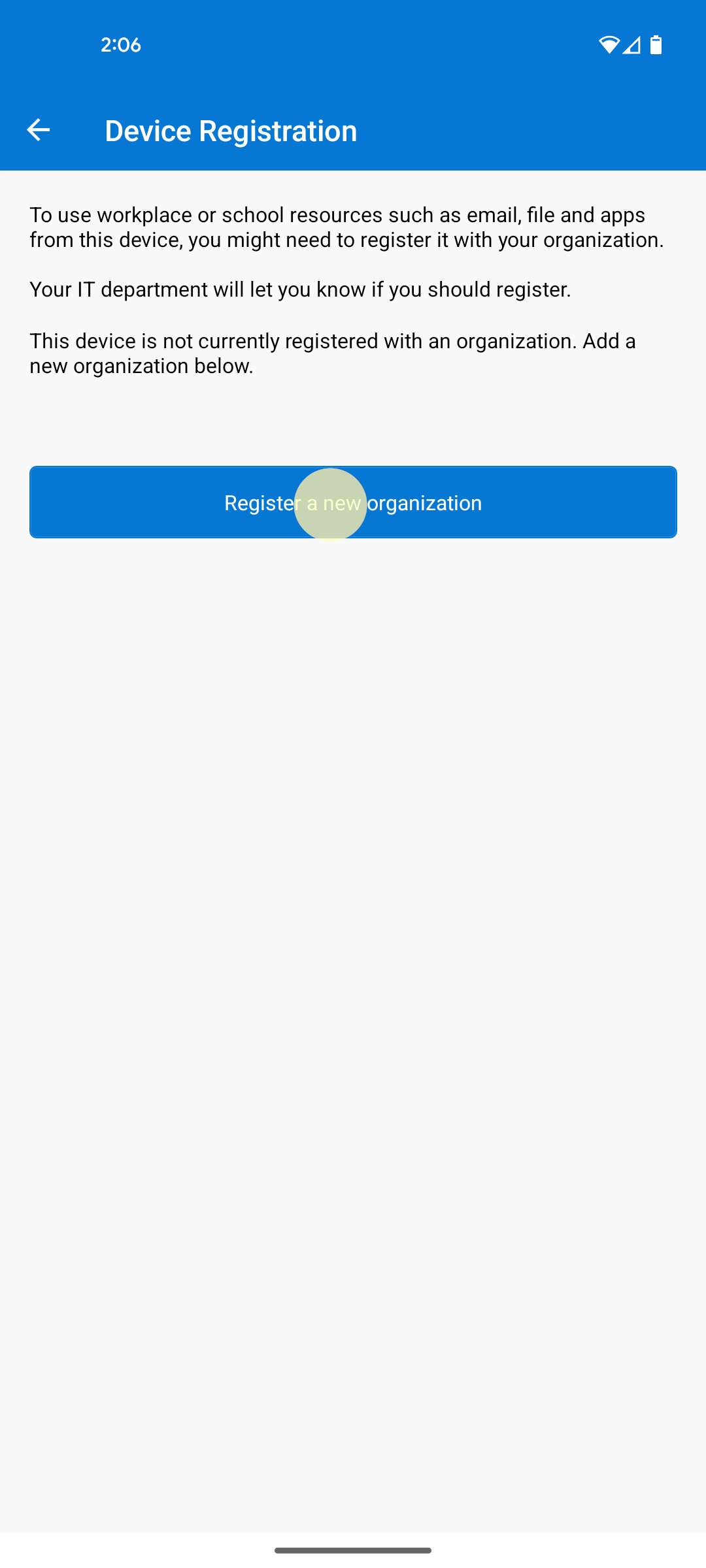
6. Tap Register a new organization
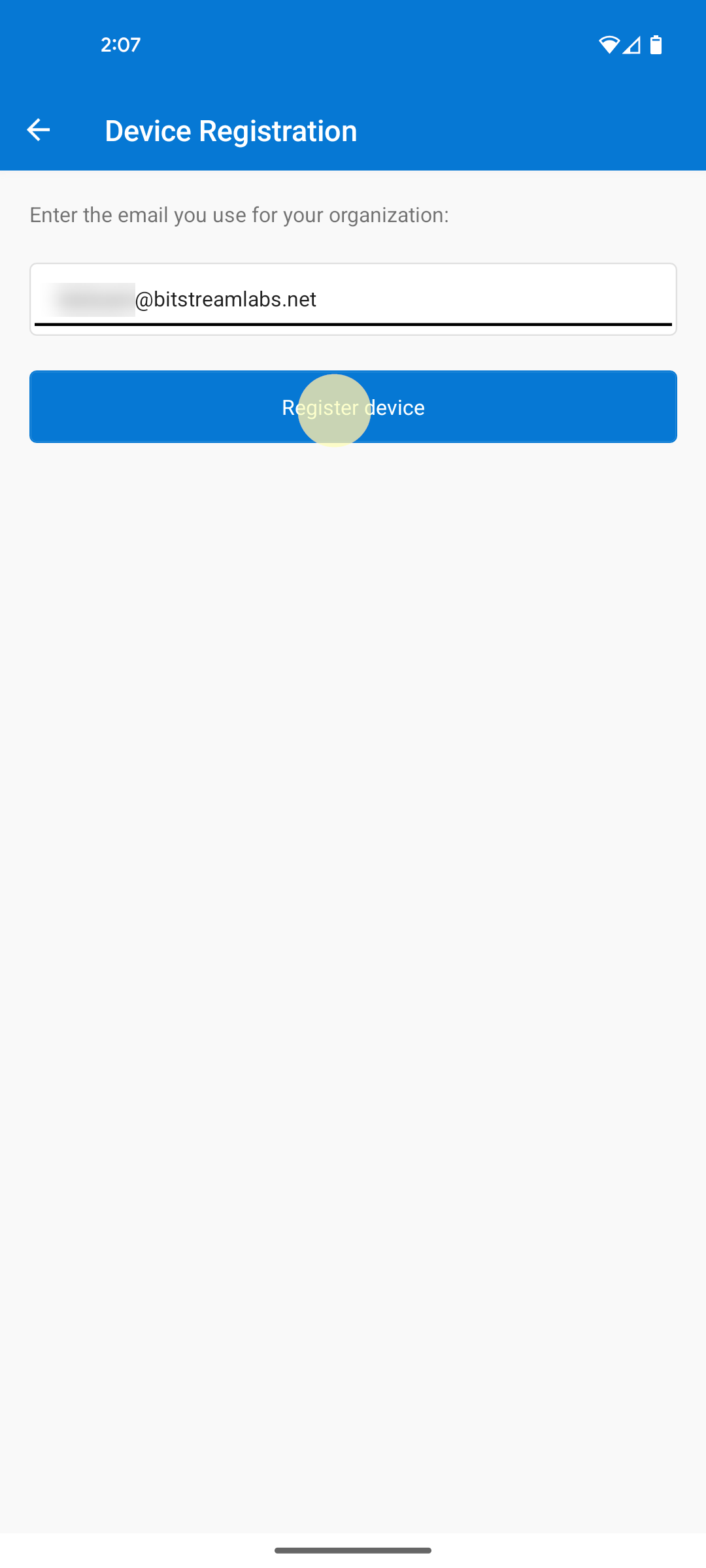
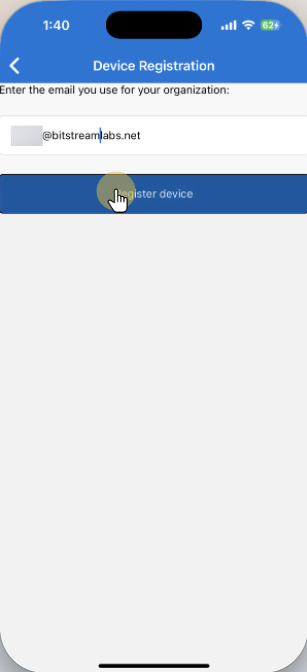
7. Input your work email address, then tap Register device
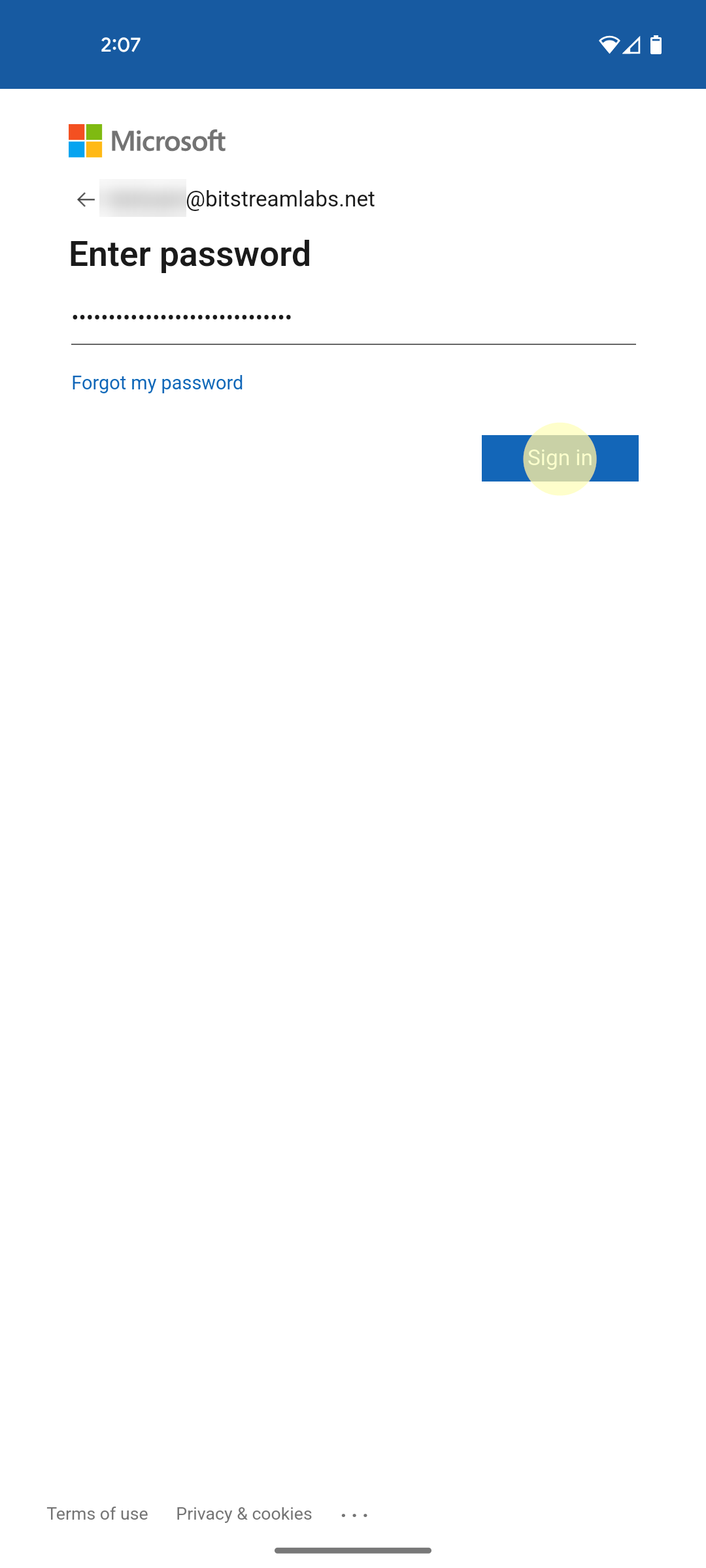
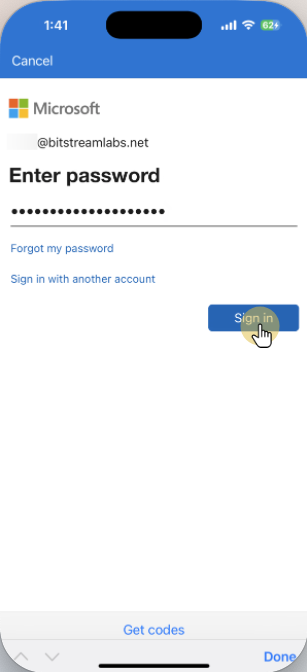
8. Proceed with login
Still need help?
Submit a Ticket